



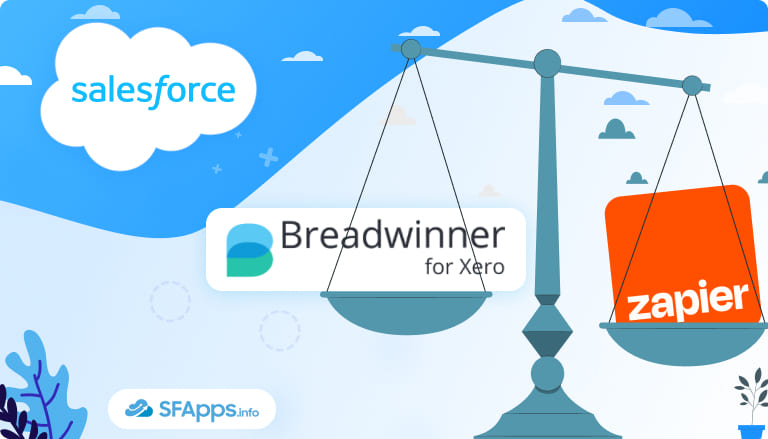
When Growth Exposes the Gaps Between Salesforce and Xero
What happens when your Salesforce team needs live financial data from Xero, while your finance team depends on customer details that only exist in Salesforce?
Many growing companies rely on Salesforce to manage customer relationships, sales activity, and accounts, while Xero handles invoicing and payments. At an early stage, this setup feels manageable.
As the business grows, this approach becomes harder to maintain:
- The number of customers increases.
- Invoice volumes rise.
- More payments need to be tracked, followed up on, and reconciled.
- Manually checking financial data in Xero starts to take more time.
- Salesforce reports no longer reflect the full customer situation.
Sales activity is visible, but unpaid balances, credits, and payment history remain outside the CRM, which has the following consequences:
- To answer basic questions, teams turn to spreadsheets, emails, or internal messengers.
- Sales teams work with customers without knowing their current payment status.
- Finance teams repeat the same checks across systems.
- Salesforce automation reaches a limit because the financial data needed to drive processes is not available inside Salesforce.
Insight:
According to Salesforce’s State of Data and Analytics Trends research,
nearly 49% of data and analytics leaders say their organisations occasionally or frequently draw incorrect conclusions because data lacks proper context.
This finding shows that the issue is not only missing data, but disconnected and poorly contextualised information spread across systems,
which directly leads to flawed reporting, misaligned decisions, and unreliable automation inside tools like Salesforce.
At this point, companies begin to question whether their current setup still supports how they operate today. Salesforce and Xero both work well on their own, but using them separately starts to slow reporting, decision-making, and everyday workflows. This is where Xero integration with Salesforce stops being a technical idea and becomes a practical business decision.
- Common Ways Teams Integrate Salesforce with Xero in Practice
- Using Zapier Xero Salesforce Integration
- Breadwinner for Xero as a Salesforce-Native Connector
- Zapier vs Breadwinner: How the Differences Show Up in Practice
- Salesforce User Experience: How Each Approach Feels in Daily Work
- How Each Integration Prepares Salesforce for Agentforce
- Choosing the Best Tool to Connect Salesforce to Xero
Common Ways Teams Integrate Salesforce with Xero in Practice
Once teams understand what they want to achieve, the next question is how to connect Xero and Salesforce in day-to-day work. The goal may be the same, but the available approaches differ in how data moves between systems, how it appears inside Salesforce, and how well each option works as data volumes increase.
Option 1. Event-Driven Automation Tools for Salesforce and Xero Integrations
For many companies, event-driven automation is the first option they explore. Tools like Zapier are widely known, easy to access, and often already part of the company’s workflow. These tools work through triggers and actions. When something happens in one system, such as a new invoice or a payment update, a predefined action runs in another system.
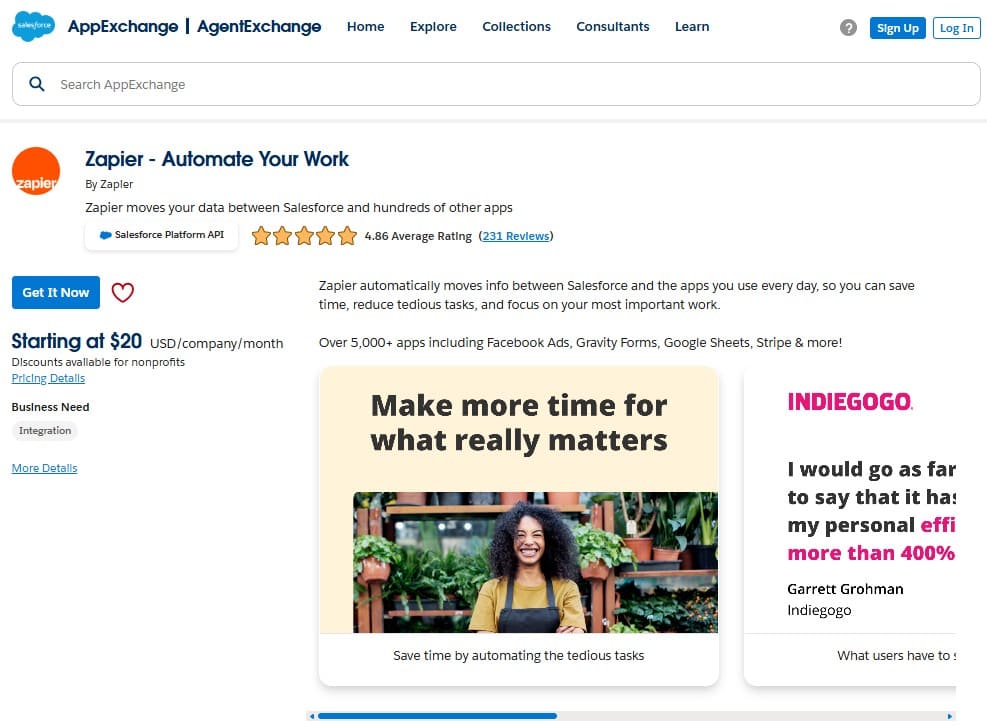
In practice, Salesforce users see individual updates appear as specific events occur. This approach works well for notifications, basic record creation, and lightweight automation. As financial data changes over time, however, maintaining a complete and current financial picture can become more difficult using event-based updates alone.
Option 2. iPaaS Platforms
Another option is middleware or iPaaS platforms such as MuleSoft or Workato. These solutions sit outside Salesforce and manage data flows across multiple systems through a central integration layer.
From a practical point of view, Salesforce reflects the outcome of processes handled elsewhere. This approach is often chosen in environments where many applications need to be connected or where data requires transformation before reaching Salesforce. While flexible, it usually involves more setup, configuration, and ongoing maintenance as workflows evolve.
Option 3. Native AppExchange Connectors for Xero Salesforce Integration
A third category includes native connectors installed directly from the Salesforce AppExchange, such as Breadwinner for Xero. These applications operate inside Salesforce and are designed to align with its data model, security rules, and reporting structure.
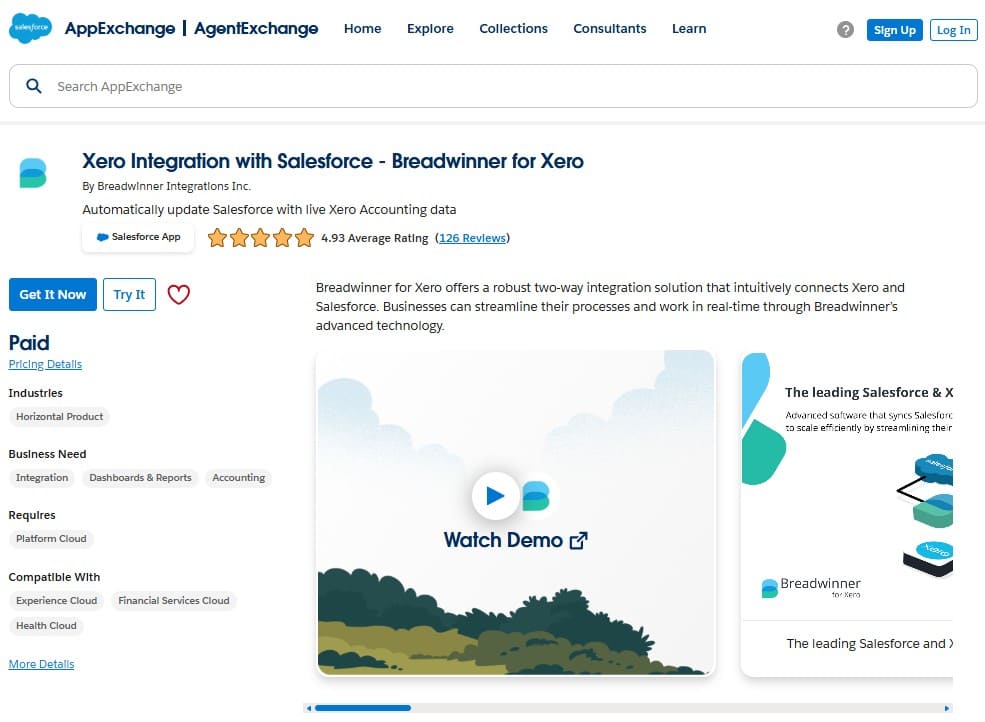
In practical terms, financial data can behave like Salesforce data. Data from Xero is replicated into Salesforce as native records. Xero Invoices, Contacts, Line Items, Payments can be visible not only in Breadwinner app, but on other Salesforce records, like Accounts or Opportunities, as related lists and can be included in Salesforce reports and used in automation.
This approach is typically considered when teams want accounting data available directly where Salesforce users already work, without relying on external processing layers.
Insight:
“Only a third of sales teams use an all-in-one platform. The rest use a mix of standalone tools — an average of eight per team — risking tech bloat. Nearly half of reps say they’re overwhelmed by the volume”
– State of Sales Report from Salesforce, 7th edition.
Why Accounting Data Requires a Dedicated Integration Approach
Accounting data evolves continuously. Invoices are updated, payments are applied, credits are issued, and corrections are made. Unlike simple CRM events, financial records represent an ongoing state.
This is why the choice to integrate Salesforce with Xero affects reporting accuracy, automation options, and everyday usability. The integration approach determines whether Salesforce reflects isolated updates or a complete financial context.
| How Salesforce–Xero Integration Approaches Compare in Practice | ||
|---|---|---|
| Integration option: | What Salesforce users actually see: | Common limitations: |
| 1. Event-driven automation tools | Individual updates as events occur | Hard to maintain a full financial context |
| 2. Middleware and iPaaS platforms | Processed results from external workflows | Higher setup and ongoing maintenance effort |
| 3. Native AppExchange connectors | Financial data is available in Salesforce, including for reporting and automation | Built to connect specific systems |
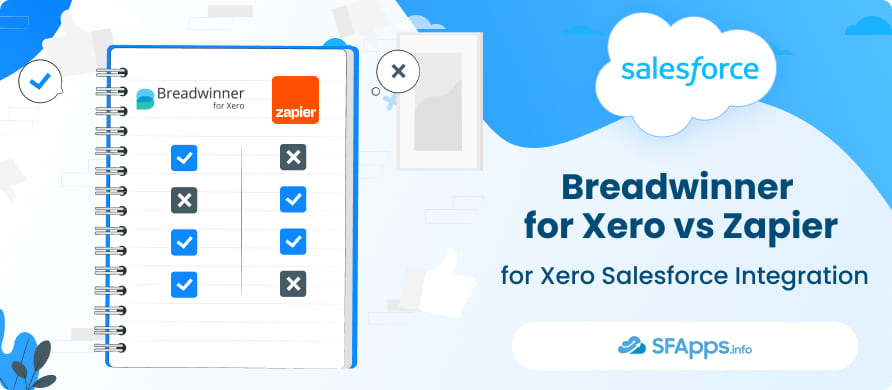
While middleware and iPaaS platforms play an important role in complex integrations, in this article, we will focus on two options that Salesforce teams most often compare in practice:
- Zapier is often the most common entry point for event-driven automation, while
- Breadwinner for Xero is a Salesforce-native connector available on Salesforce AppExchange and designed specifically to integrate Salesforce with Xero.
Looking at these two approaches side by side helps illustrate the practical considerations Salesforce teams face when deciding how deeply financial data should be integrated into their Salesforce organization.
Using Zapier Xero Salesforce Integration
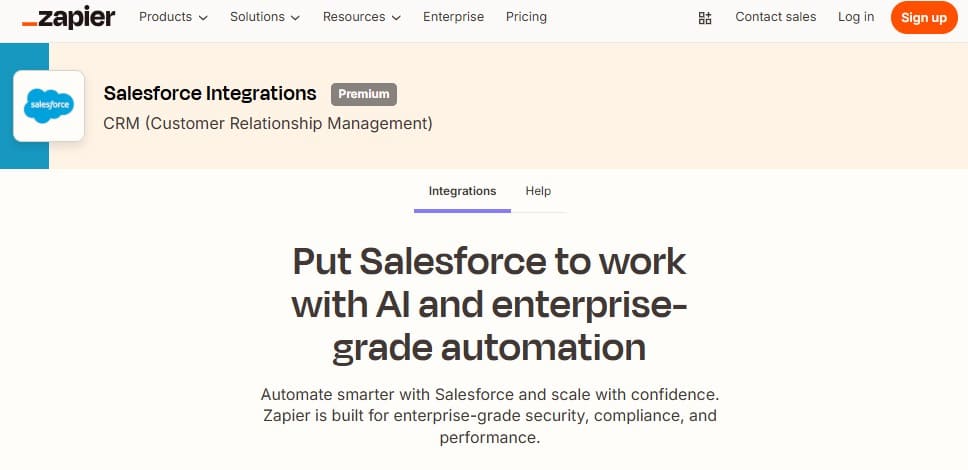
For many teams, Zapier is the first tool they consider when connecting Salesforce and Xero. Zapier is widely known for event-driven automation and is often already used to connect Salesforce with other business tools. This familiarity makes it a common starting point in Zapier Xero Salesforce integration scenarios.
How Zapier Works in Practice
Zapier is based on triggers and actions.
- A trigger is configured to respond to a defined event in one system, such as when a new sales invoice is created in Xero or when an existing invoice changes status.
- When the trigger fires, Zapier runs one or more actions in Salesforce, such as creating a custom invoice record, updating a field on an Account, or sending a notification to a sales team.
- Actions can include creating records, updating fields, or sending notifications.
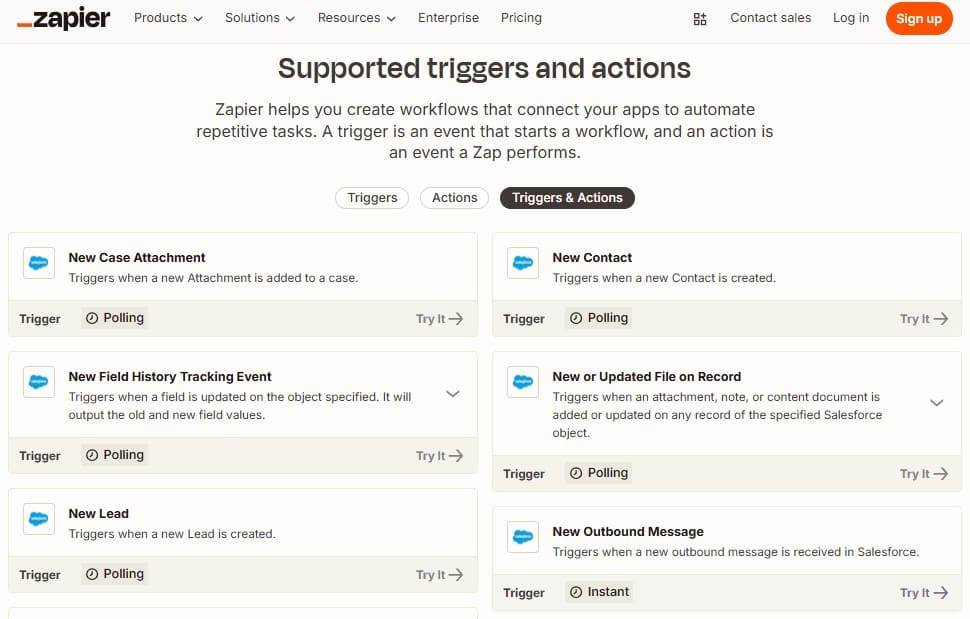
Typical Salesforce Xero Use Cases with Zapier
In day-to-day use, teams often rely on Zapier for simple, clearly defined workflows, such as:
- Creating Salesforce records when new contacts or invoices appear in Xero.
- Notifying sales teams about payment statuses.
- Passing basic customer data between systems.
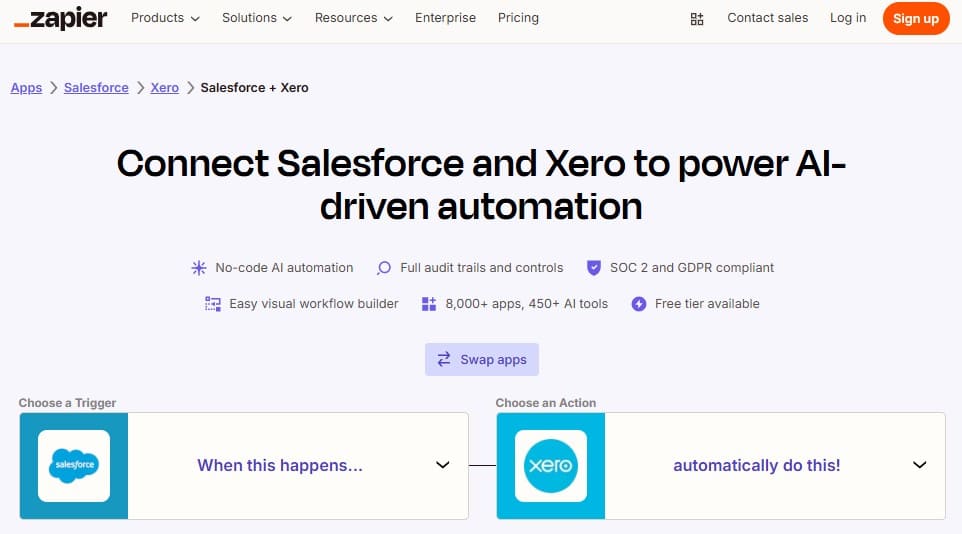
What Becomes Noticeable as Usage Grows
Because Zapier processes data one event at a time, Salesforce receives updates as separate actions:
- Each invoice creation, update, or payment is handled individually.
- Additional automations are often needed to reflect later changes, such as payments or corrections.
- As customer and data volumes grow, the number of automations can increase.
- Reporting relies on individual events, which works for simple scenarios but is harder to manage as financial reporting needs grow.
Managing these workflows can become more involved as financial data changes over time. Teams often need to monitor automation runs, review failed tasks, and adjust field mappings when invoice data is updated, corrected, or extended with new fields.
This explains why Zapier is often the first option teams choose and why some later revisit their approach as financial data becomes more important for Salesforce reporting and automation.
Breadwinner for Xero as a Salesforce-Native Connector
While event-driven automation reacts to individual changes, Salesforce-native connectors follow a different integration model. Breadwinner for Xero is designed to work entirely inside Salesforce, with accounting data replicated from Xero and represented as Salesforce records.
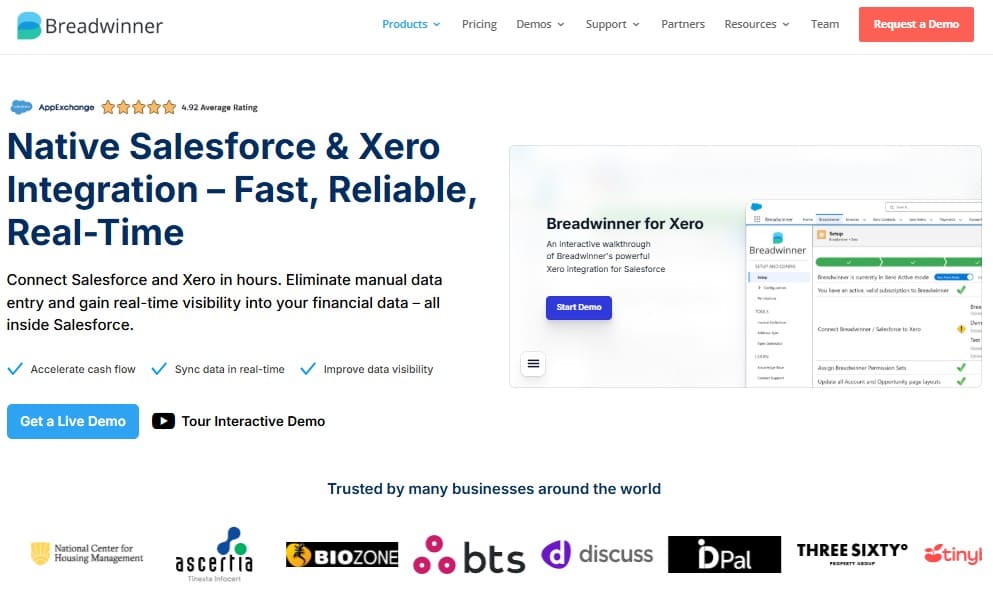
How Breadwinner Xero Salesforce Integration Works
Breadwinner is installed directly from the Salesforce AppExchange and operates within your Salesforce organization.
- Xero remains the system of record for accounting data.
- Invoice, payment, and contact data from Xero are replicated into Salesforce along with other related financial records on an ongoing basis.
- When data changes in Xero, the corresponding Salesforce records are updated to reflect those changes.
- These replicated records from Xero can be related in Salesforce to Accounts, Opportunities, and other Salesforce objects.
- Breadwinner supports two-way synchronization between Salesforce and Xero, so updates made to supported Xero records in Salesforce are automatically synchronized back to Xero, helping maintain consistent and accurate data in both systems.
- Users can create Xero invoices directly from Salesforce Accounts, Opportunities, or other supported objects, using Salesforce data to generate the invoice in Xero.
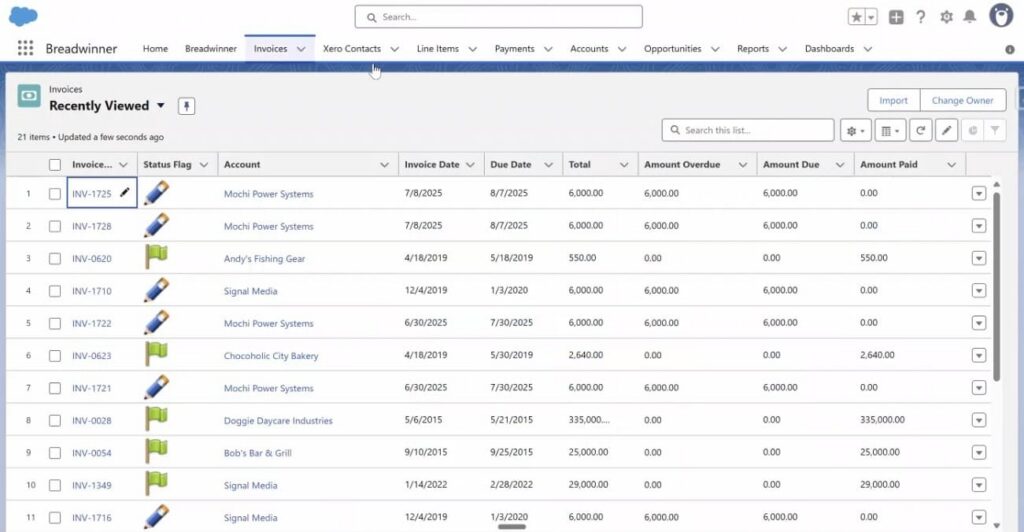
Typical Salesforce Xero Connector Use Cases with Breadwinner
In day-to-day use, with the Breadwinner solution, teams work with financial data directly inside Salesforce.
- Sales teams can review invoice status and balances when working with accounts in Salesforce.
- Teams can see deal context alongside accounting data inside Salesforce.
- Salesforce reports and dashboards can combine customer, sales, and financial information.
- Salesforce users can edit Xero contact details directly in Salesforce and address common data discrepancies, such as missing or mismatched address information, with changes synced back to Xero to keep records consistent across both systems.
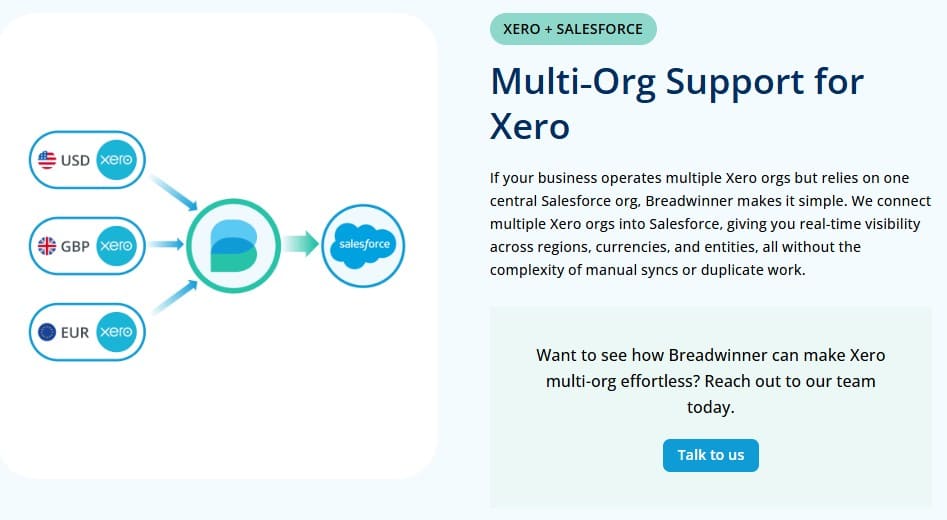
What Becomes Noticeable as Usage Grows
As data volumes and reporting needs increase, teams start to notice practical differences that come from having replicated financial records inside Salesforce rather than a chain of event-based updates.
- Salesforce reports can use contact, invoice and payment records from Xero directly, without relying on whether each past event was captured and processed.
- Users spend less time cross-checking data from another system or asking finance for payment status in Xero because the latest values are available inside Salesforce records.
- Changes such as applied payments, issued credit notes, or corrected invoice details update existing Salesforce records, so reports and record pages reflect the current situation.
- It becomes easier to support finance-aware processes in Salesforce because teams work with updated financial records instead of building and maintaining many separate event-based workflows.
Breadwinner Salesforce Xero connector is typically evaluated by teams that want accounting data available directly inside Salesforce for reporting, forecasting, and operational workflows.
Zapier vs Breadwinner: How the Differences Show Up in Practice
Both tools connect Salesforce and Xero, but they do so using fundamentally different integration models. As a result, the same business requirement can lead to very different outcomes once reporting, automation, and data volume increase.
| How Zapier and Breadwinner Integration Behave in Salesforce | ||
|---|---|---|
| Comparison area | Breadwinner for Xero | Zapier |
| Data model | Replicated financial records stored in Salesforce | Event-based updates triggered by specific actions |
| Sync behavior | Ongoing updates of Xero’s records in Salesforce | One automation run per event |
| Salesforce reporting | Salesforce can function as a dependable reporting layer for financial status | Depends on how completely events are captured |
| Automation inside Salesforce | Supports Salesforce automation based on replicated financial records stored in Salesforce | Best suited for simple, event-driven conditions |
| Ongoing maintenance | Maintenance effort is lower because financial records remain aligned without configuring separate update logic | Maintenance increases over time as additional event scenarios must be configured and monitored |
| Scalability | Scales more predictably as record counts grow | Management effort increases with the number of financial records and related updates |
| Stars Achieved | ⭐⭐⭐⭐⭐ | ⭐⭐⭐⭐ |
Understanding these practical differences makes it easier to evaluate which integration model aligns with how Salesforce is used today and how it is expected to support the business as it grows. Let’s take a closer look at some of the above differences.
Salesforce User Experience: How Each Approach Feels in Daily Work
Beyond architecture and data flow, the difference between Zapier and a Salesforce-native connector becomes most visible in everyday Salesforce usage. Sales, finance, and operations teams interact with these integrations through Salesforce records, reports, and automation. The table below compares how Zapier and Breadwinner shape the Salesforce user experience in practice.
| Salesforce User Experience Comparison: Zapier vs Breadwinner for Xero | ||
|---|---|---|
| Salesforce Perspective | Breadwinner for Xero | Zapier |
| Where integration is configured | Inside Salesforce | Outside Salesforce |
| How financial info appears to users | Financial information available as structured Salesforce records | It depends on the implementation of integration. The more extensive the integration, the more difficult it is to implement. |
| Consistency of displayed financial data | Reflects the current state of Xero data in Salesforce records | Partial, depends on which events were captured |
| Confidence in the displayed financial information | Customer-facing teams can treat Salesforce as the reference point for financial context during customer work. | Users may double-check information in Xero to confirm it reflects the latest changes. |
| User onboarding and training effort | Users follow familiar Salesforce record patterns, with Xero data visible directly where they work. | Users need to understand what each update represents, since information appears through individual automation outcomes. |
| Stars Achieved | ⭐⭐⭐⭐⭐ | ⭐⭐⭐⭐ |
How Each Integration Prepares Salesforce for Agentforce
As Salesforce teams start working with AI capabilities such as Agentforce, data quality inside Salesforce becomes a practical requirement. Agentforce relies on the data already available in Salesforce records to reason, prioritize, and suggest actions. If that data is incomplete, outdated, or fragmented, AI-driven outcomes become less reliable.
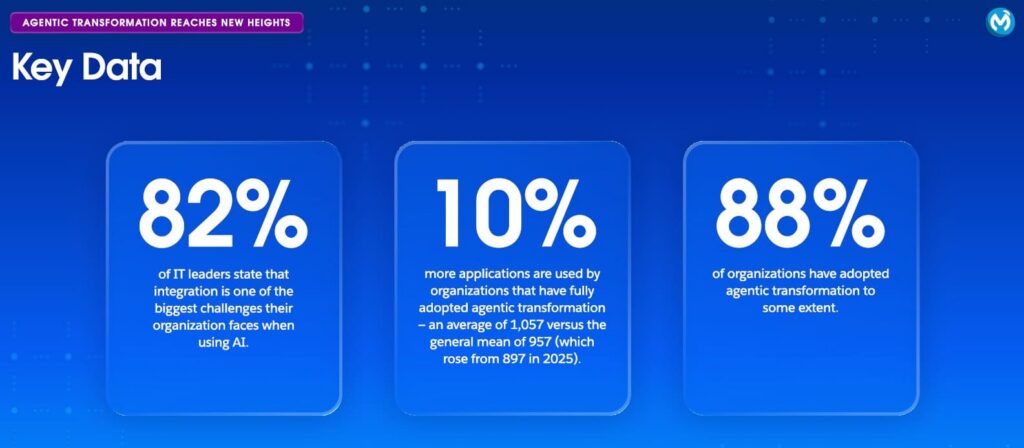
MuleSoft’s 2026 Connectivity Benchmark found that 82% of IT leaders say integration is one of the biggest challenges their organization faces when using AI. This supports the practical point that “automation” and “integration” are not the same thing once reliability, monitoring, and data ownership matter.
Financial information from Xero is a good example. Invoices, payments, and balances change after deals are closed. How this information appears and stays updated in Salesforce directly affects whether it can be used meaningfully by Agentforce. The table below compares how Zapier and Breadwinner prepare Salesforce data for Agentforce-related scenarios.
| AI Data Readiness Comparison: Zapier vs Bredwinner for Xero | ||
|---|---|---|
| Salesforce Perspective | Breadwinner for Xero | Zapier |
| Real-time financial grounding for Agentforce | Live Xero financial data is available inside Salesforce, allowing Agentforce to operate on current invoice, payment, and A/R information. | Financial data availability for Agentforce depends on when automations run and which events are captured, which may limit real-time grounding. |
| Financial context available to Agentforce | Financial context remains linked to Salesforce records | Context may be fragmented across fields and updates |
| Need for manual checks before using data in Agentforce | Financial data is typically ready to be used by Agentforce without additional manual review. | Verification or confirmation of data is appropriate prior to using Agentforce due to the nature of the integration. |
| Stars Achieved | ⭐⭐⭐⭐⭐ | ⭐⭐⭐⭐ |
From an Agentforce perspective, the difference is not about enabling AI, but about how reliable Salesforce data is when AI uses it. Event-based updates can support simple triggers, but Agentforce works best when Salesforce reflects the current financial situation, not just past events.
This makes AI data readiness another dimension to consider when choosing how to integrate Salesforce and Xero, especially for teams planning to use Agentforce beyond basic scenarios.
Choosing the Best Tool to Connect Salesforce to Xero
At this stage, let’s summarize the comparison and determine which approach fits best for integrating Salesforce and Xero. The differences between Zapier and Breadwinner become visible in reporting accuracy, user confidence, and how Salesforce supports daily work as data volumes grow.
- Zapier remains a practical option for teams that need lightweight, event-driven automation across many tools and are comfortable managing individual updates. It works well when financial data plays a supporting role and workflows remain simple.
- Breadwinner is designed for teams that expect Salesforce to act as a central system for customer and financial context. By keeping financial information available inside Salesforce and aligned over time, it supports deeper reporting, finance-aware workflows, and future use cases such as Agentforce.
The table below summarizes these differences at a high level.
| Breadwinner for Xero vs Zapier: Final Results | ||
|---|---|---|
| Section | Breadwinner for Xero | Zapier |
| Integration Behavior in Salesforce | ⭐⭐⭐⭐⭐ | ⭐⭐⭐⭐ |
| Salesforce User Experience | ⭐⭐⭐⭐⭐ | ⭐⭐⭐⭐ |
| Agentforce Data Readiness | ⭐⭐⭐⭐⭐ | ⭐⭐⭐⭐ |
| Total Stars Achieved | 15 ⭐ | 12 ⭐ |
Across integration behavior, user experience, and Agentforce data readiness, Breadwinner for Xero stands out as the more suitable choice for Salesforce-centric teams.
Final Thoughts and Next Step
If your Salesforce usage is centered on notifications and simple triggers, Zapier can be a reasonable starting point. If your teams rely on Salesforce for reporting, account management, and finance-aware decisions, a Salesforce-native approach becomes easier to sustain.
If you want to see how a native connector works in practice, you can start a free trial of Breadwinner for Xero and explore how financial data appears and behaves directly inside your Salesforce organization.

Mykhailo is a Salesforce Certified Platform Administrator with development experience in the fintech field. Since 2021, he has gained the Double Star Ranger rank on the Salesforce Trailhead education platform, where he acquired 26 Superbadges in Business Administration, Process Automation, Security, and more. With a decade of expertise in consulting and compliance, he aspires to translate complex technical concepts into accessible content, helping organizations make the most of Salesforce. Mykhailo is passionate about using technology for everyday needs, enjoys reading sci-fi and non-fiction books, and playing video games. He also has an interest in history and outdoor activities such as hiking, camping, and kayaking.
 Previous Post
 Next Post