



Why Companies Need Appointment Scheduling Software Salesforce
Do you ever find it hard to keep track of meetings while working in Salesforce? Managing leads, contacts, and opportunities is one thing, but scheduling meetings can be a challenge.
For example, a sales rep might send an email with proposed meeting times to a client. By the time the client replies, the slot may already be booked by someone else. The rep then has to check availability and send new options. This back-and-forth wastes time and can delay deals.
Another common challenge is managing different calendars. Teams may use Outlook, Google Calendar, or other tools. Without integration, it is easy to double-book meetings or miss client requests.
These numbers show how important it is to have tools that help teams schedule appointments efficiently and avoid conflicts. Similarly, Salesforce phone integration can connect communication tools to Salesforce, helping teams manage calls alongside meetings and other activities.
In this article, we will take a look at the most popular options, Office 365 and Calendly, how to bring them to Salesforce, and provide the top tools, so that you find the best appointment scheduling app for Salesforce that meets your needs.
- Possible Ways to Connect Salesforce with Appointment Scheduling
- Salesforce Appointment-Scheduling Apps on AppExchange
- Top Calendar & Meeting Scheduling Apps
- 1. Engageware Scheduler for Salesforce – Online Appointment Scheduling
- 2. Appointiv – Appointment Scheduling App for Salesforce
- 3. Gmail & Outlook Integration for Salesforce by EverReady
- 4. Apptoto – Automated Appointment Reminders, Online Scheduling and Messaging
- 5. Booking Engine: Smart Meeting Scheduler
- 6. Q!365 | Integrate Microsoft 365, Teams & SharePoint
- 7. Sync365 Outlook Meeting Scheduling & Email Logging
- 8. Sync Salesforce Contact Lists to Smartphones
- Top Resource & Workforce Scheduling Apps
- 1. GoMeddo – Unlimited Scheduling Experience in Salesforce
- 2. DayBack Calendar – Resource Scheduling, Project Management, Call Center
- 3. SUMO Scheduler | Appointment, Event, Course & Field Sales Scheduling
- 4. Isimio | Resource Scheduling Native to Salesforce
- 5. Native Planner – Scheduler, Kanban, Gantt Chart, Calendar
- Top Field Service & Routing Apps
- Conclusion: Appointment Scheduling in Salesforce
Possible Ways to Connect Salesforce with Appointment Scheduling
Connecting Salesforce with scheduling tools makes it easier to manage meetings in a clear and organized way. When calendars and booking tools are not connected, appointments can be missed or recorded incorrectly. An integration prevents these issues by sending all meeting details into Salesforce automatically. This gives every team member a full view of upcoming client and internal meetings, and it also helps with follow-ups and reporting because the information is complete and always current.
Office 365 Integration
For teams that use Office 365 (now commonly known as Microsoft 365), connecting Outlook with Salesforce is a common and practical solution. This connection helps teams manage meetings more efficiently, reduces mistakes, and keeps all appointments visible in Salesforce.
How It Works
Salesforce provides Office 365 appointment scheduling for Salesforce integration, the online event scheduling app for Salesforce, and for syncing contacts and emails. When set up correctly, meetings scheduled in Outlook can sync automatically to Salesforce as events, and emails can be logged to relevant records.
How to Build
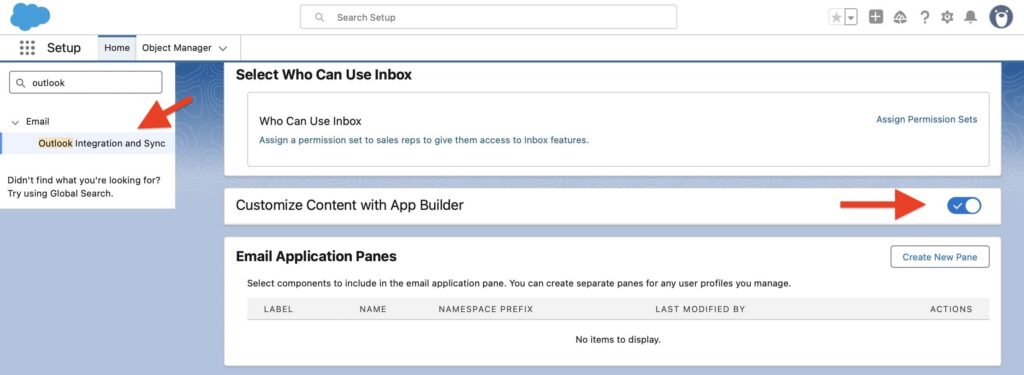
- Go to Salesforce Setup → Outlook Integration and Sync and turn on Outlook Integration.
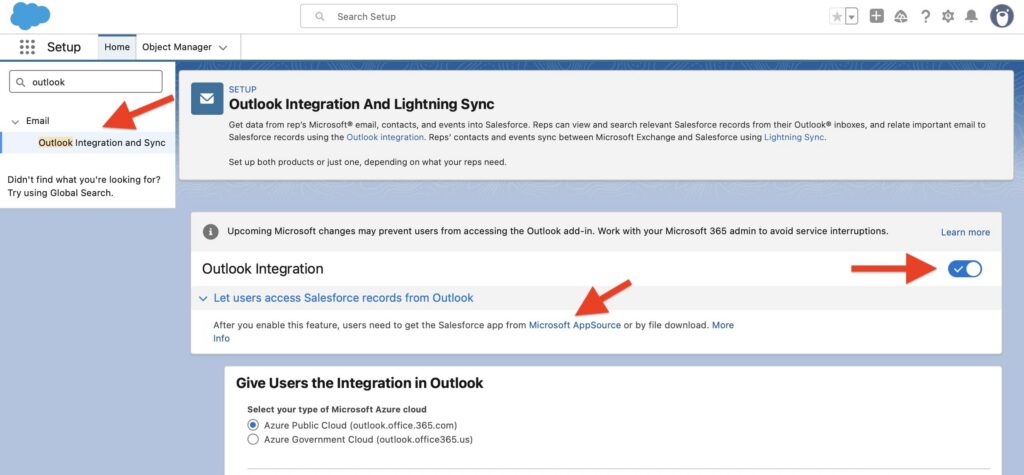
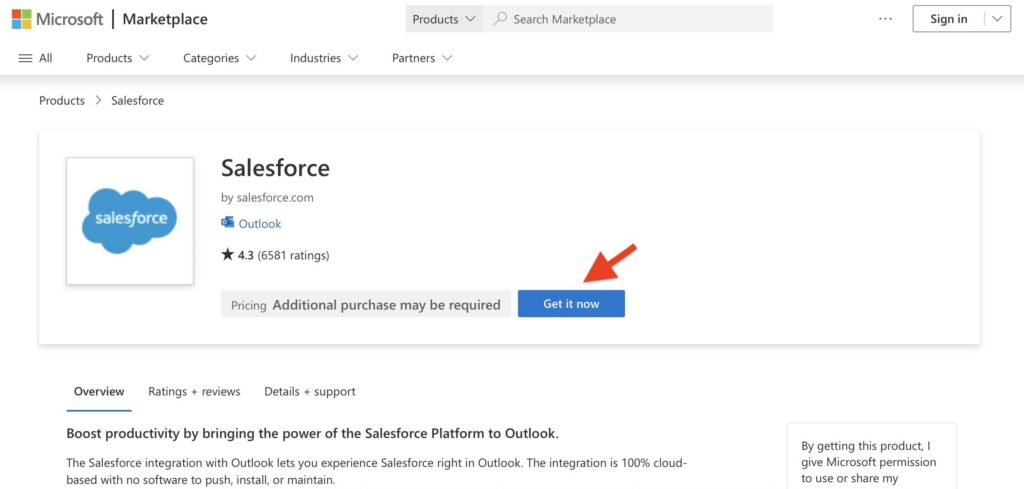
- Install the Salesforce Outlook Add‑In from Microsoft Marketplace. This adds the Salesforce panel inside Outlook.
- Open the Add‑In, log in to Salesforce, and grant the necessary permissions for syncing.
- Assign the required permission sets in Salesforce so users can access the integration and capture emails and events.
- Optionally, customize the Salesforce panel in Outlook through Setup → Outlook Integration and Sync → Customize Content with App Builder to show the components your team needs.
- Test the setup by creating a meeting or sending an email in Outlook and verifying that it appears correctly in Salesforce on the related contact, lead, or account.
Calendly Integration
Calendly is a popular scheduling tool that lets clients book meetings online without repeated clarifications. Salesforce offers an official integration that makes it easy to bring Calendly bookings directly into Salesforce. This connection helps teams keep all appointments in one place, reduces manual work, and makes follow-ups much easier.
How It Works
When a client books a meeting through Calendly, the integration sends the booking details to Salesforce automatically. Depending on your setup, it can create or update a Lead, Contact, Event, or a custom object. Information such as the invitee’s name, email, meeting time, and form responses can be mapped to Salesforce fields, and updates like reschedules or cancellations in Calendly are reflected in Salesforce to keep records current.
How to Build
To connect Calendly with Salesforce, you only need Calendly and Salesforce, no extra apps are needed.
- In Calendly, go to Integrations → Salesforce.
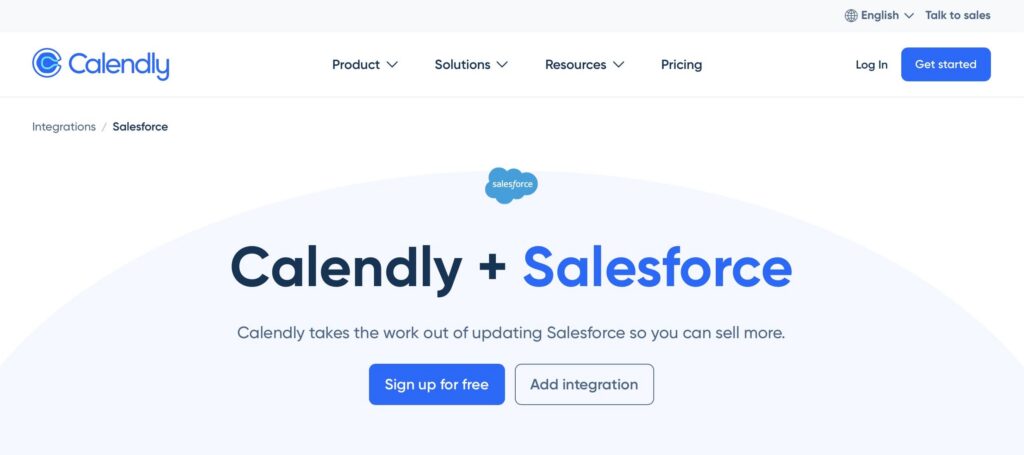
- Sign in with a Salesforce admin account and authorize Calendly to install the package.
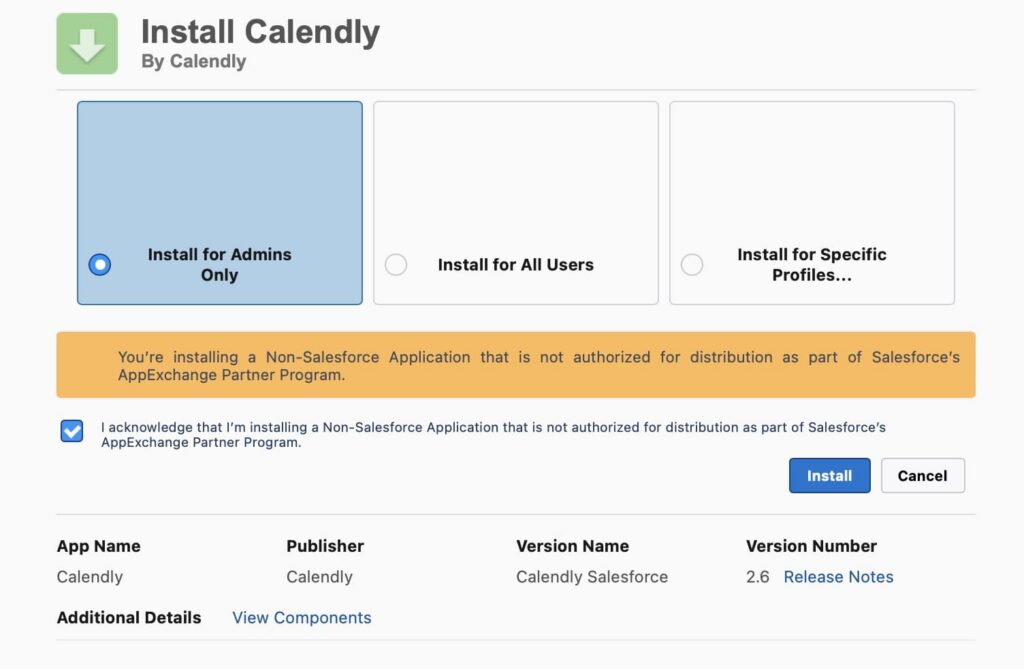
- Install the package for all users so everyone in your org can access the new objects and flows.
- In Salesforce, locate the flows that come with the package. Copy and activate the flows you need, and update the field mappings as required, for example, mapping booking details to Lead, Contact, Event, or custom object fields.
- Enable sync in Calendly so that new bookings, reschedules, and cancellations are pushed to Salesforce automatically.
- Test the setup by scheduling a meeting in Calendly and verifying that it appears on the correct Salesforce record.
Salesforce Appointment-Scheduling Apps on AppExchange
As you can see, integrating Outlook or Calendly takes time and requires admin work. If you prefer not to build and maintain those integrations, you might consider ready-made scheduling solutions. To help you even further, we reviewed available tools to find the best Salesforce appointment scheduling software on the AppExchange, the official Salesforce marketplace. Some of these apps support Calendly or Office 365, while others provide native scheduling features inside Salesforce.
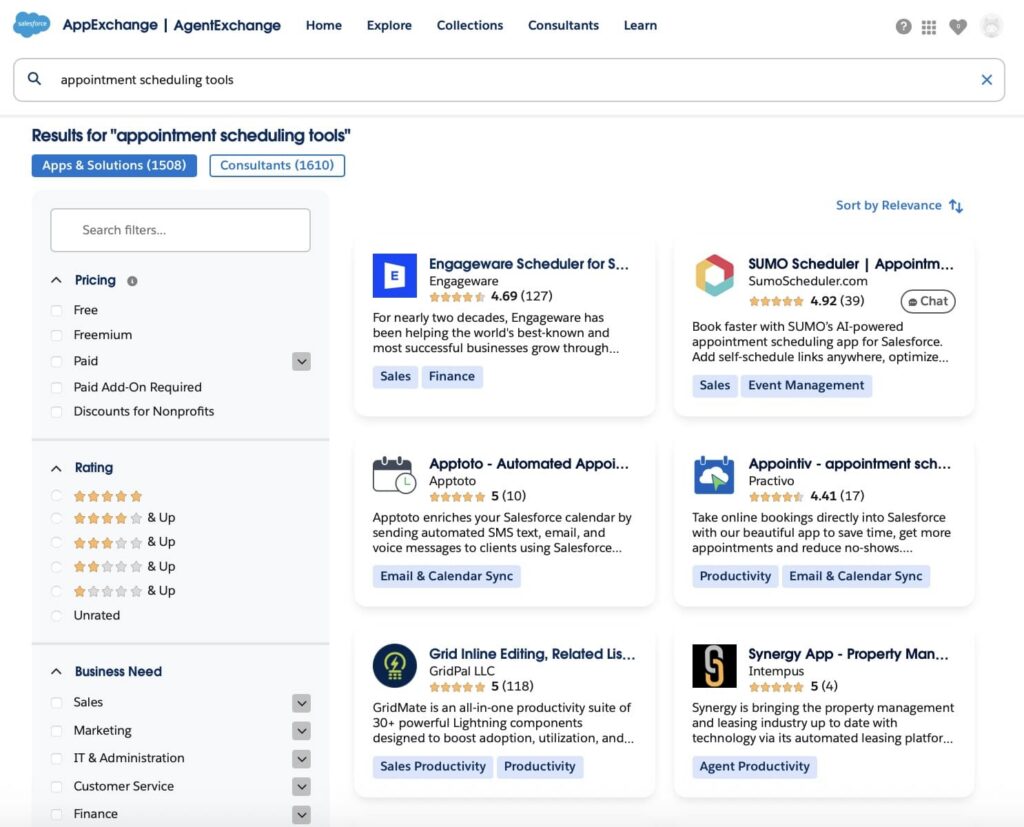
We reviewed the available apps and organized them into three groups based on their focus: calendar and meeting scheduling, internal resource and workforce management, and field service routing. The selection considers user reviews, core functionality, ease of setup, admin flexibility, mobile readiness, and how well scheduling data is handled in Salesforce to support sales, service, and field teams. Let’s explore each group:
1. Calendar & Meeting Scheduling Apps: for meeting-focused scheduling and calendar syncing.
2. Resource & Workforce Scheduling Apps: for managing staff, rooms, equipment, and multi-resource events.
3. Field Service & Routing Apps: for routing, multi-day tours, territory planning, and on-site appointments.
Top Calendar & Meeting Scheduling Apps
In this section, you will find the top Salesforce apps designed specifically for managing meetings and appointments. These solutions focus on booking customer or internal meetings, syncing calendars, logging emails, and surfacing availability from Outlook, Office 365, or Google Calendar. Whether you need automated meeting scheduling, client-facing booking pages, or seamless integration with your existing calendar system, the apps listed here help teams keep their appointments organized and up to date directly within Salesforce.
1. Engageware Scheduler for Salesforce – Online Appointment Scheduling
Overview
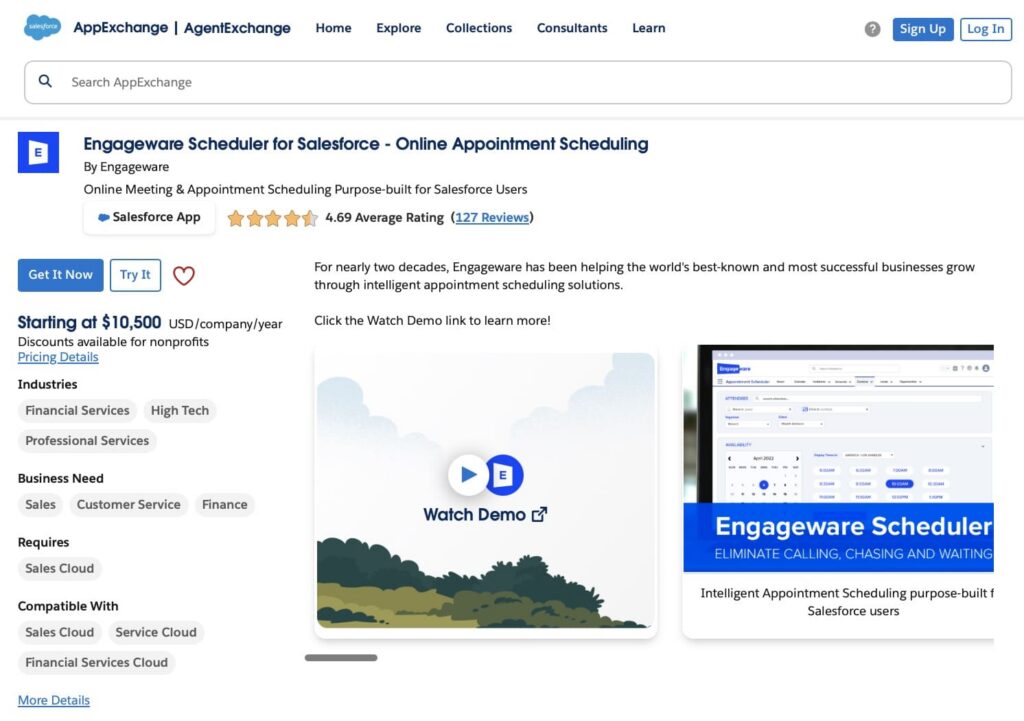
Engageware Scheduler is an online appointment scheduling app for Salesforce. It lets customers book meetings instantly by pooling team availability, syncing with calendars, and integrating with Zoom or Microsoft Teams. It helps eliminate back-and-forth coordination and connects prospects with the right person faster, ideal for sales, support, and service teams.
Price: From $10,500 USD/company/year (annual billing)
Rating: ⭐⭐⭐⭐⭐ 4.69 (127+ reviews)
Link: Engageware Scheduler for Salesforce
2. Appointiv – Appointment Scheduling App for Salesforce
Overview
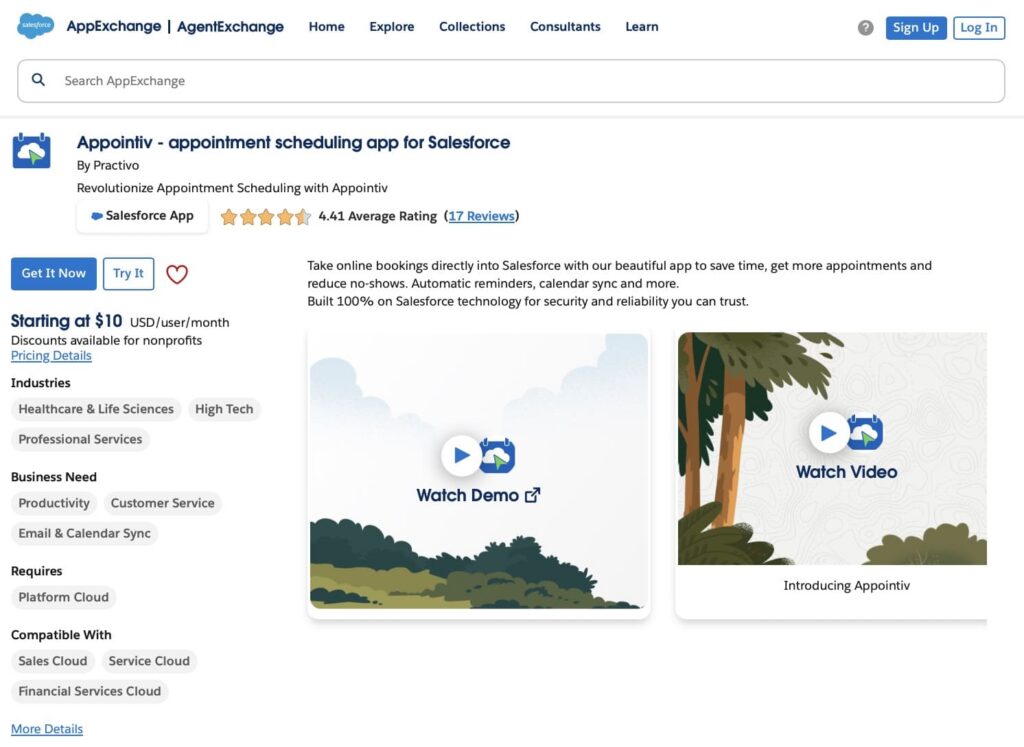
Appointiv is a 100% native Salesforce appointment scheduling app that helps teams manage bookings directly within Salesforce. Customers can book appointments 24/7 via your website or marketing campaigns, while the app handles reminders, calendar sync, and complex scheduling scenarios, including recurring, double, and triple bookings. It supports multiple locations, service providers, and appointment types, and offers a customizable, branded experience.
Price: From $5 USD/user/month (Lite-Host)
Rating: ⭐⭐⭐⭐ 4.41 (17+ reviews)
Link: Appointiv – appointment scheduling app for Salesforce
3. Gmail & Outlook Integration for Salesforce by EverReady
Overview
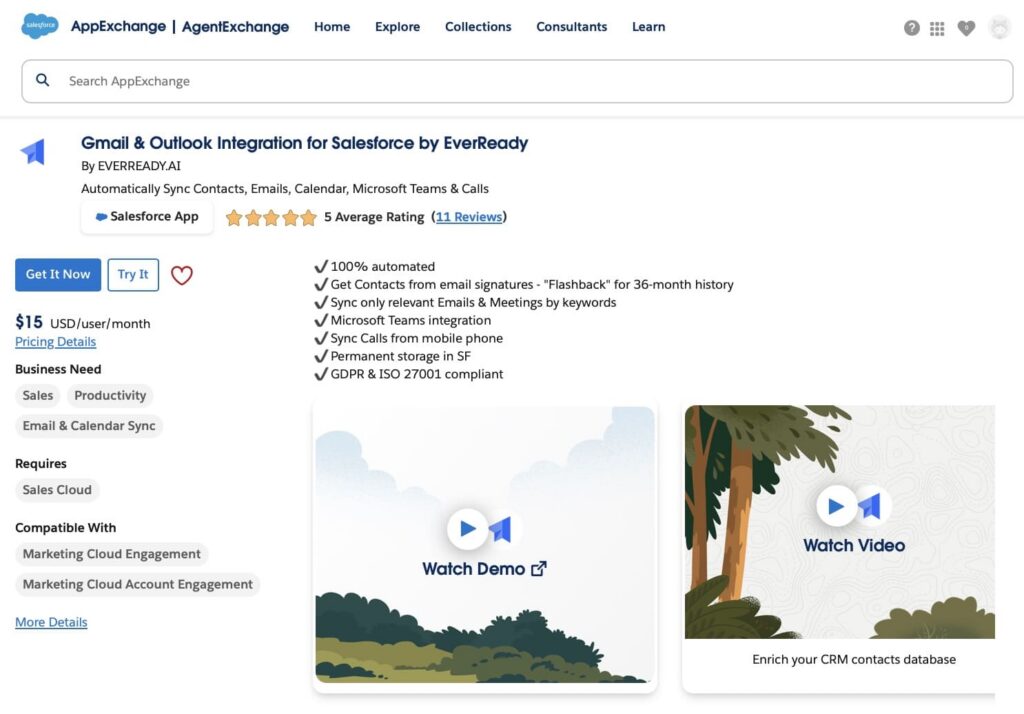
EverReady’s app automatically syncs contacts, emails, calendar events, calls, and Microsoft Teams activity with Salesforce. It captures contacts from email signatures, keeps relevant emails and meetings updated, and stores data securely in Salesforce. Designed for sales teams, it reduces manual data entry, improves CRM adoption, and ensures accurate, GDPR-compliant records. The app supports automated workflows and helps teams focus on selling rather than administrative tasks.
Price: Starts from $15 USD/user/month (Starter plan).
Rating: ⭐⭐⭐⭐⭐ 5.0 (11+ reviews)
Link: Gmail & Outlook Integration for Salesforce by EverReady
4. Apptoto – Automated Appointment Reminders, Online Scheduling and Messaging
Overview
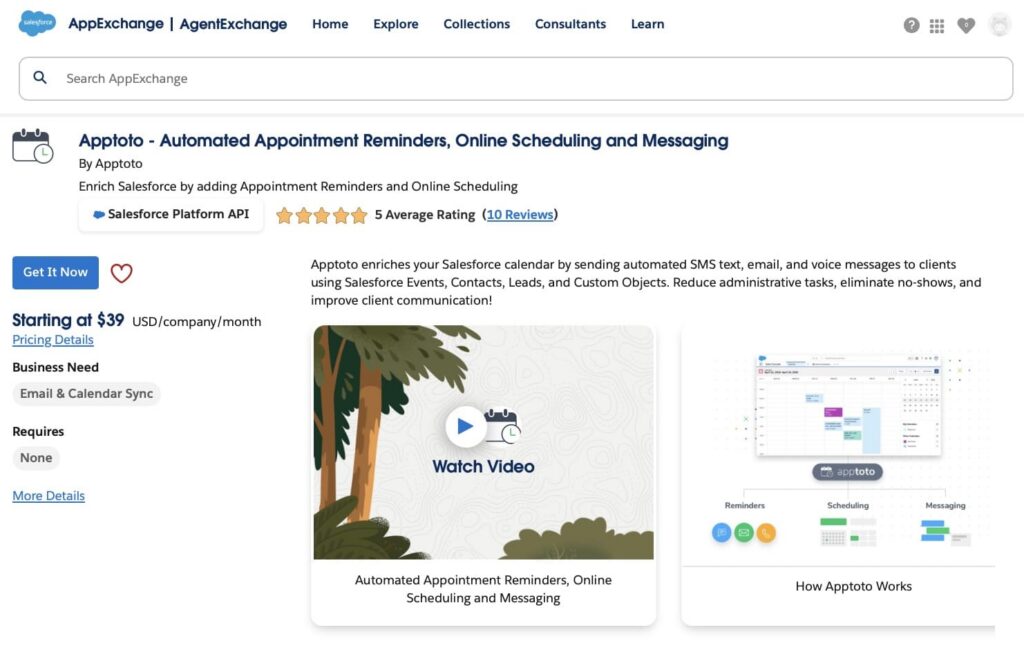
Apptoto is a platform that enhances calendars by sending automated SMS, email, and voice reminders for appointments. It also provides online booking pages, confirmations, and follow-up messages. The app helps reduce missed appointments, streamline client communication, and automate administrative tasks. Users can manage multiple Salesforce objects, customize messaging sequences, and even collect payments when appointments are booked.
Price: Starts from $39 USD/company/month. Premium Salesforce integration plan from $78 USD/company/month. 14-day free trial available.
Rating: ⭐⭐⭐⭐⭐ 5.0 (10+ reviews)
Link: Apptoto
5. Booking Engine: Smart Meeting Scheduler
Overview
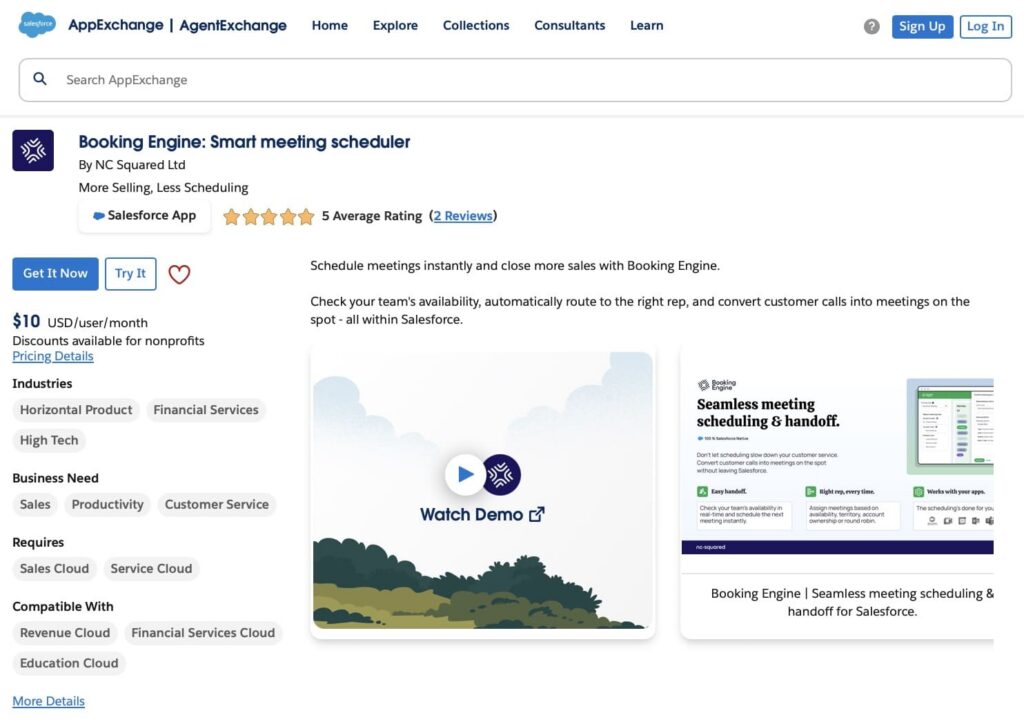
Booking Engine by NC Squared Ltd is a meeting scheduler designed to help sales teams book meetings faster and reduce administrative work. It checks team availability, automatically assigns the right rep based on rules like territory, account ownership, or fair rotation (round-robin), and sends calendar invites automatically. The app integrates with Google and Microsoft calendars and works with Google Meet, Microsoft Teams, and Zoom, keeping everything synced inside Salesforce.
Price: From $10 USD per user per month.
Rating: ⭐⭐⭐⭐⭐ 5.0 (2+ reviews)
Link: Booking Engine: Smart Meeting Scheduler
6. Q!365 | Integrate Microsoft 365, Teams & SharePoint
Overview
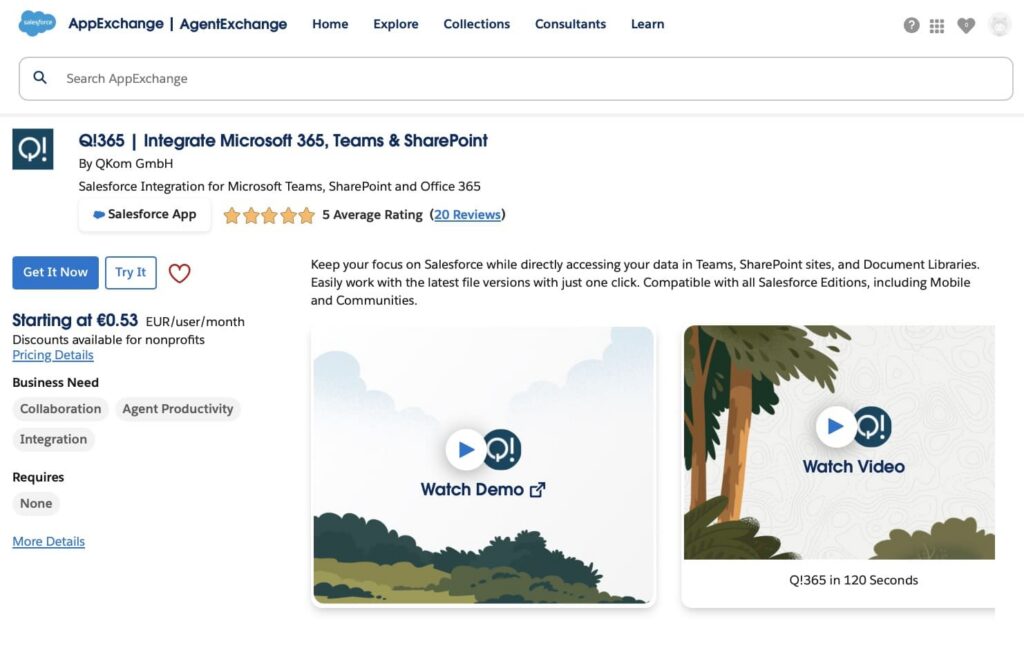
Q!365 by QKom GmbH is an integration tool that connects Microsoft Teams, SharePoint, and Office 365 with Salesforce. While it does not provide full client-facing booking features, it allows teams to schedule and manage internal meetings, view Teams availability, co-edit documents, and sync calendars directly in Salesforce. This can help organizations keep internal appointments and meetings organized alongside Salesforce records, complementing other appointment scheduling apps.
Price: Starts from €4.50 EUR/user/month for the Small Business package (25 users minimum). 30-day free trial available.
Rating: ⭐⭐⭐⭐⭐ 5.0 (20+ reviews)
Link: Q!365 | Integrate Microsoft 365, Teams & SharePoint
7. Sync365 Outlook Meeting Scheduling & Email Logging
Overview
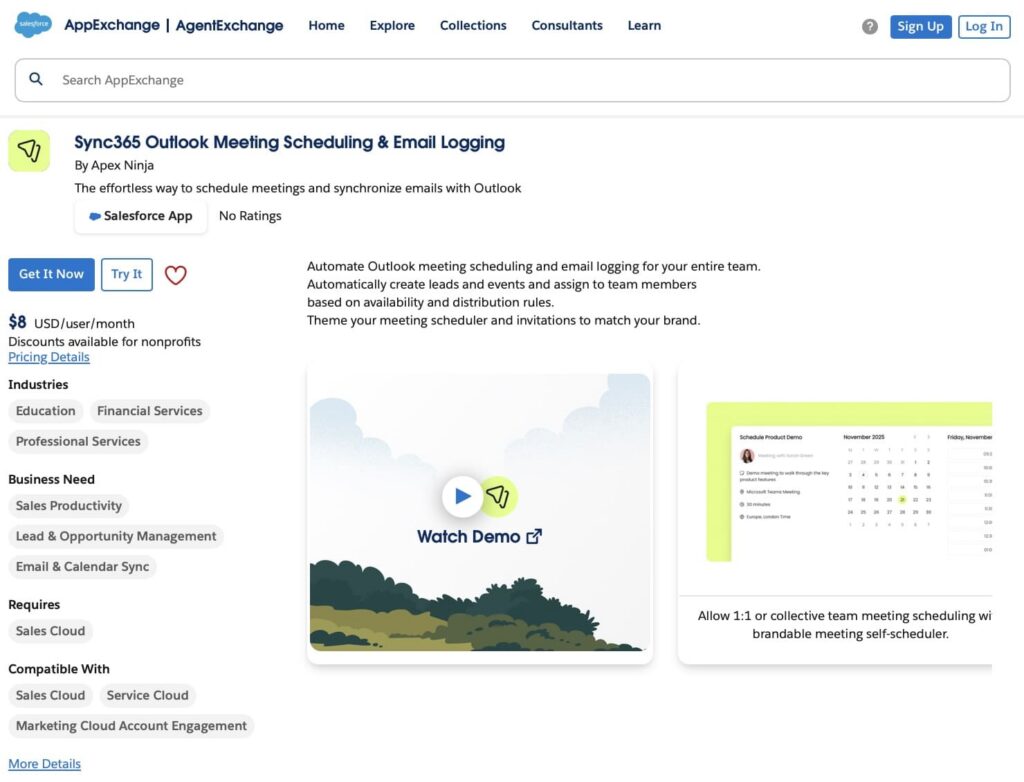
Sync365 by Apex Ninja is a solution that automates Outlook meeting scheduling and email logging. Teams can automatically create leads and events, and assign them based on availability, priority, or rotation (round-robin) rules. It includes branded meeting invitations with Teams links, rescheduling options, and business hour settings. Emails can be imported automatically or manually from Outlook, related to opportunities and contacts, keeping Salesforce data accurate. Sync365 ensures compliance with HIPAA, ISO 27001, and GDPR, and works directly between Salesforce and Microsoft 365 without third-party apps.
Price: From $8 USD per user per month (Activity Logging)
Rating: No rating yet.
Link: Sync365 Outlook Meeting Scheduling & Email Logging
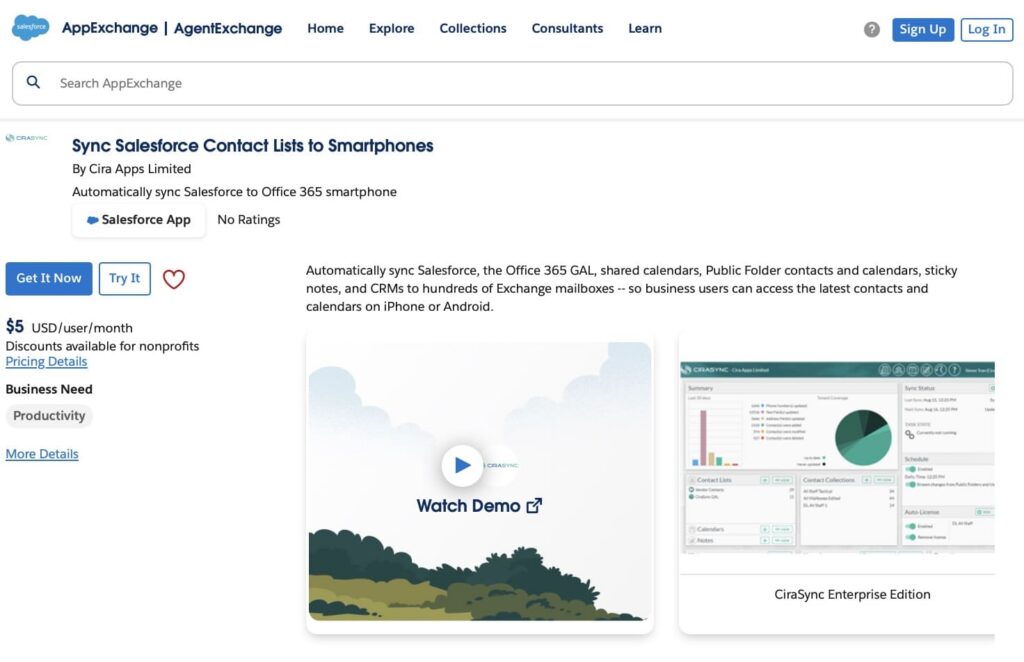
8. Sync Salesforce Contact Lists to Smartphones
Overview
Sync Salesforce Contact Lists to Smartphones by Cira Apps is a server-side solution that automatically syncs Salesforce contacts, leads, and shared calendars with Office 365 and smartphones. It ensures users have up-to-date CRM data on iPhone and Android devices without installing software or client-side configuration. Centralized administration, granular controls, and single sign-on make it easy for IT teams to manage organization-wide syncs and reduce manual work.
Price: From $5 USD per user per month (Enterprise Edition, includes Salesforce Native Connector).
Rating: No rating yet.
Link: Sync Salesforce Contact Lists to Smartphones
Top Resource & Workforce Scheduling Apps
This section features Salesforce apps focused on managing internal resources like staff, rooms, equipment, and classes. These solutions help teams schedule multi-resource events, organize shifts, coordinate recurring sessions, and optimize resource allocation. By using these tools, organizations can ensure that personnel, spaces, and equipment are efficiently scheduled while keeping all data within Salesforce.
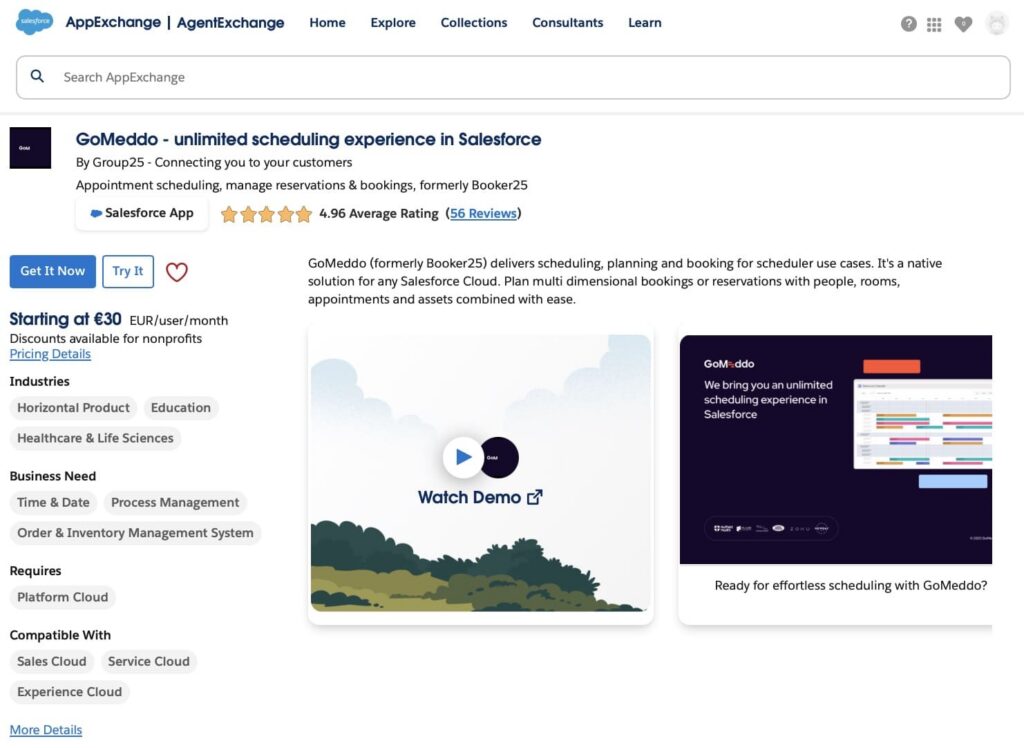
1. GoMeddo – Unlimited Scheduling Experience in Salesforce
Overview
GoMeddo (formerly Booker25) is a Salesforce-native scheduling solution for managing appointments, reservations, classes, events, and multi-resource bookings. Teams can schedule people, rooms, equipment, and services directly on an easy-to-use calendar. It also offers customer-facing booking pages and widgets that can be added to Experience Cloud or external sites. With built-in reporting and automation, GoMeddo helps organizations manage complex scheduling scenarios while keeping all data inside Salesforce.
Price: From €30 EUR per user per month.
Rating: ⭐⭐⭐⭐⭐ 4.96 (56+ reviews)
Link: GoMeddo – unlimited scheduling experience in Salesforce
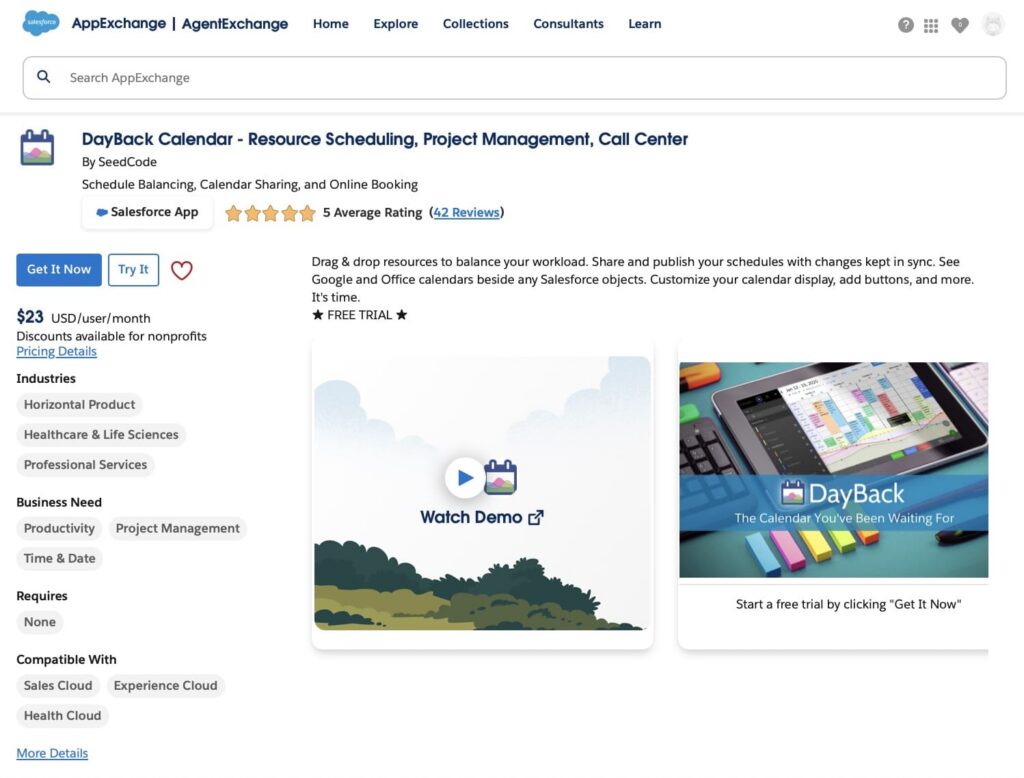
2. DayBack Calendar – Resource Scheduling, Project Management, Call Center
Overview
DayBack Calendar by SeedCode is a scheduling tool that centralizes all your calendars, Salesforce, Google, and Office 365, into one view. Teams can balance workloads with drag-and-drop scheduling, manage resources like staff or rooms, and customize the calendar with buttons and automation. It’s ideal for service teams, healthcare, call centers, and organizations that need clear visibility into availability and appointments.
Price: From $23 USD/user/month (monthly billing). $19 USD/user/month when billed annually.
Rating: ⭐⭐⭐⭐⭐ 5.0 (42+ reviews)
Link: DayBack Calendar
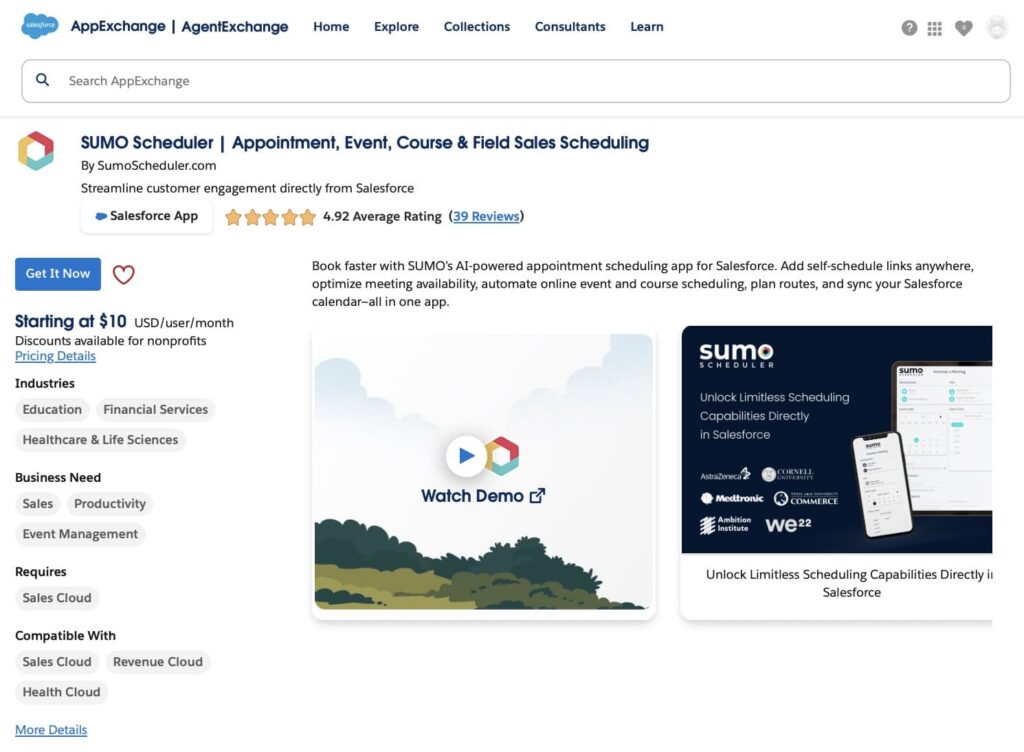
3. SUMO Scheduler | Appointment, Event, Course & Field Sales Scheduling
Overview
SUMO Scheduler is a scheduling platform for managing appointments, events, classes, and field sales activities. It offers AI-assisted scheduling, self-service booking links, automated reminders, and advanced resource planning, all inside Salesforce. The app supports scenarios like multi-resource bookings, recurring sessions, course scheduling, and territory-based field appointments, helping teams simplify coordination and keep calendars accurate.
Price: From $10 USD/user/month (14-day free trial available). Minimum purchase applies; volume and nonprofit discounts offered.
Rating: ⭐⭐⭐⭐⭐ 4.92 (39+ reviews)
Link: SUMO Scheduler
4. Isimio | Resource Scheduling Native to Salesforce
Overview
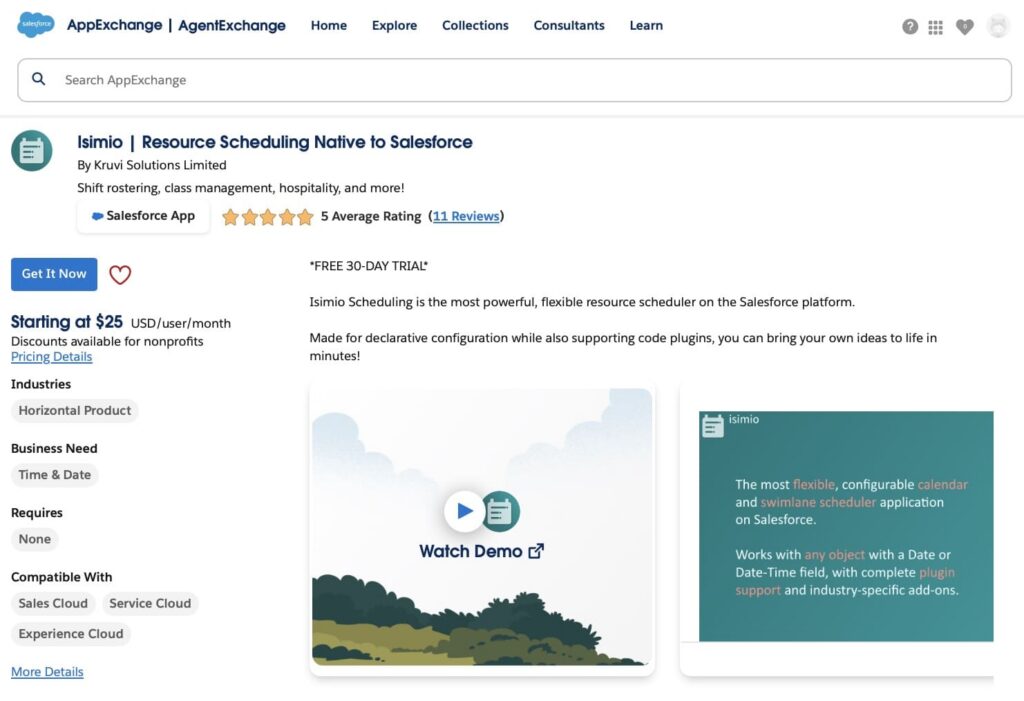
Isimio by Kruvi Solutions is a Salesforce-native resource scheduling platform for managing shifts, classes, hospitality, and other resources. It offers drag-and-drop calendars, multi-object scheduling, filters, and record editing directly on the page. The app supports configuration via Salesforce Flows or custom code plugins, allowing teams to customize workflows, validations, and scheduling logic. Isimio helps reduce errors, optimize resources, and manage complex scheduling scenarios entirely within Salesforce.
Price: From $25 USD/user/month (standard plan). Discounts available for nonprofits.
Rating: ⭐⭐⭐⭐⭐ 5.0 (11+ reviews)
Link: Isimio | Resource Scheduling Native to Salesforce
5. Native Planner – Scheduler, Kanban, Gantt Chart, Calendar
Overview
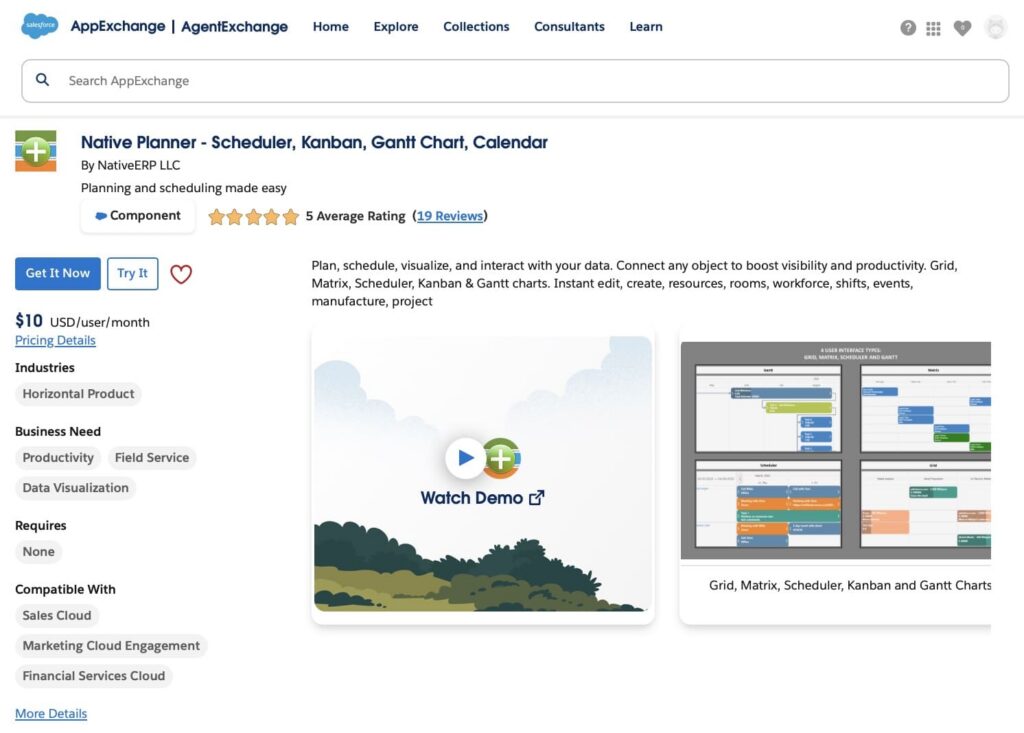
Native Planner by NativeERP LLC is a tool for managing internal schedules, tasks, and projects. It offers interactive calendar, Kanban, Gantt, and scheduler views, allowing teams to plan shifts, events, and projects efficiently. Users can drag-and-drop tasks, edit records directly on charts, and automate workflows with Salesforce Flows. Mobile-friendly and compatible with multiple objects, Native Planner helps teams organize resources, track progress, and keep internal appointments and projects on schedule.
Price: $10 USD/user/month or $110 USD/user/year. 30-day free trial available.
Rating: ⭐⭐⭐⭐⭐ 5.0 (19+ reviews)
Link: Native Planner – Scheduler, Kanban, Gantt Chart, Calendar
Top Field Service & Routing Apps
This section highlights Salesforce apps designed for field-based teams and service operations. These solutions focus on routing, multi-day tours, territory planning, and on-site appointment management. By using these tools, organizations can optimize travel routes, coordinate on-site visits, and ensure field staff are scheduled efficiently while keeping all activity tracked within Salesforce.
1. Skedulo | Mobile Workforce Management, Employee Scheduling, Field Service
Overview
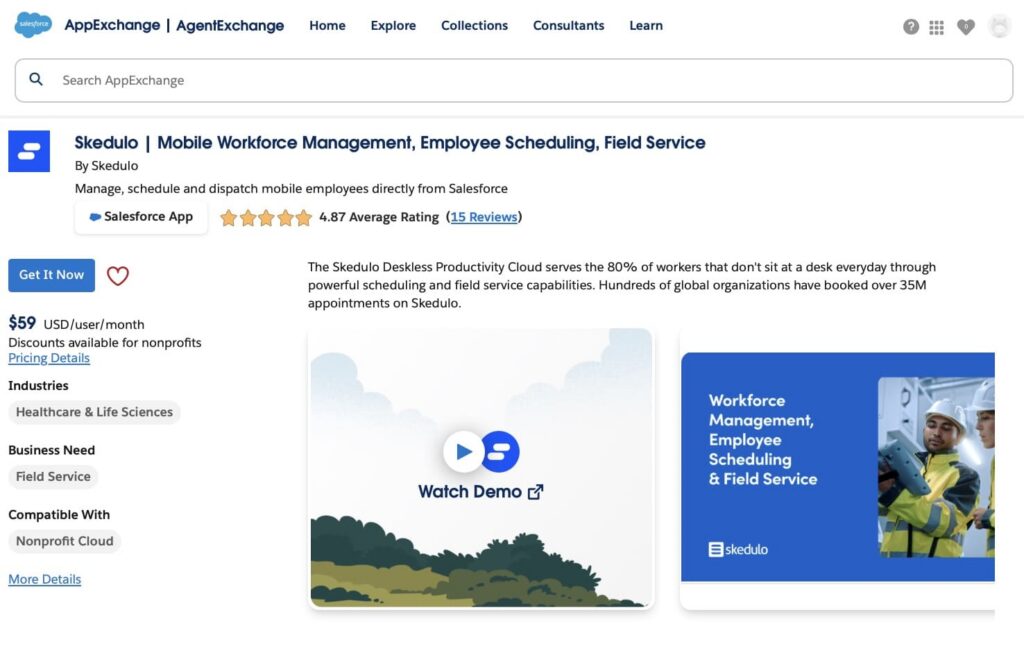
Skedulo is a platform for managing mobile employees and field service teams. It allows organizations to schedule, dispatch, and track appointments for mobile workers directly in Salesforce. The app supports real-time updates, workflow automation, and complex shift planning, helping teams improve efficiency, employee engagement, and service quality. Skedulo is mobile-friendly, scalable, and ideal for organizations managing field-based operations.
Price: From $59 USD/user/month (Scheduler & Resources packages). Minimum licenses apply.
Rating: ⭐⭐⭐⭐⭐ 4.87 (15+ reviews)
Link: Skedulo | Mobile Workforce Management, Employee Scheduling, Field Service
2. ContractorFlow – Residential Contracting Solution
Overview
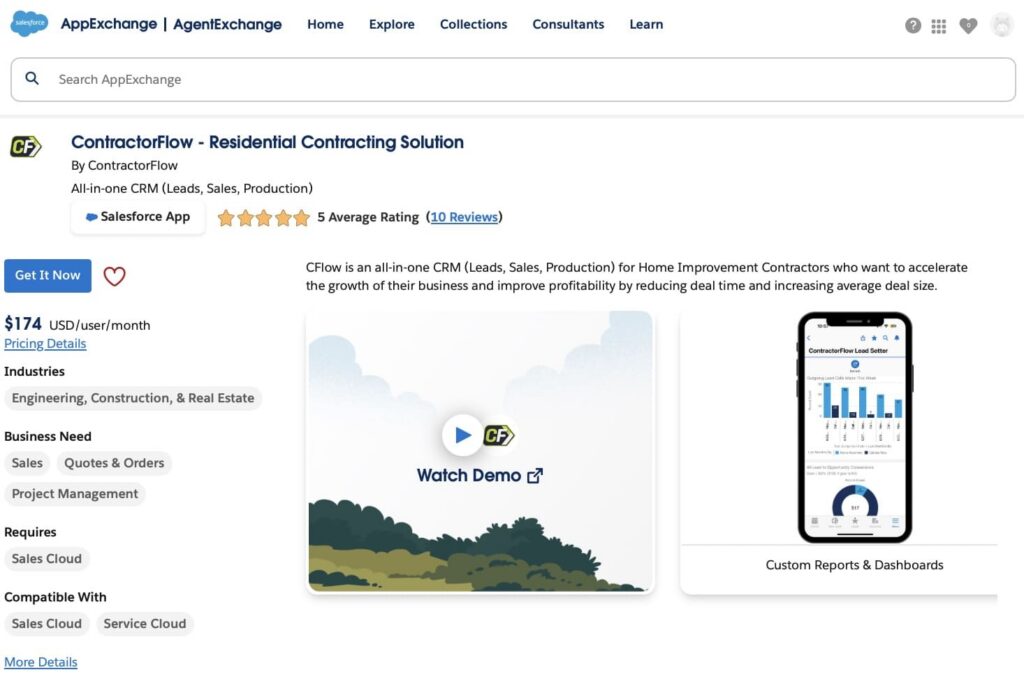
ContractorFlow is an all-in-one CRM designed for home improvement contractors. It combines lead management, sales tracking, production oversight, and appointment scheduling in one platform. The app allows teams to intake prospects, set appointments, generate estimates, and manage deals efficiently. Real-time data and analytics help track project costs, margins, and team performance, reducing administrative work and improving profitability.
Price: From $174 USD/user/month.
Rating: ⭐⭐⭐⭐⭐ 5.0 (10+ reviews)
Link: ContractorFlow – Residential Contracting Solution
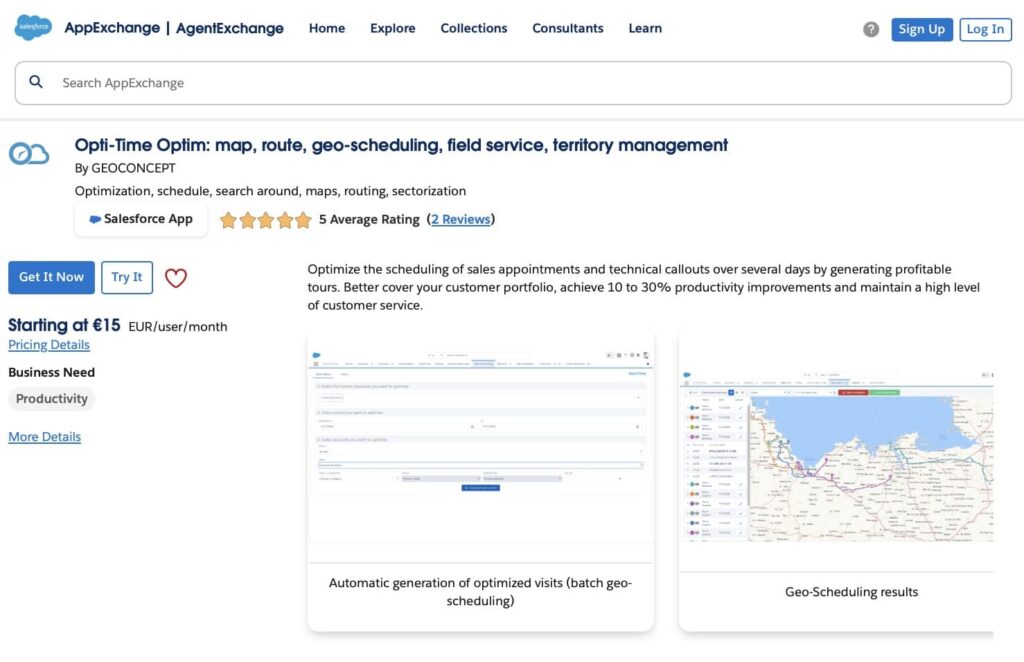
3. Opti-Time Optim: Map, Route, Geo-Scheduling, Field Service, Territory Management
Overview
Opti-Time Optim by GEOCONCEPT is a geo-scheduling and route optimization app for managing sales appointments, technical callouts, and field service visits. It helps teams plan multi-day schedules efficiently, optimize account visits, and improve customer coverage. Features include geo-scheduling, route planning, territory management, and map-based visualization of contacts and accounts. By automating schedule optimization, it can improve productivity by 10–30% while keeping appointments synced to Salesforce calendars.
Price: From €15 EUR per user per month.
Rating: ⭐⭐⭐⭐⭐ 5.0 (2+ reviews)
Link: Opti-Time Optim
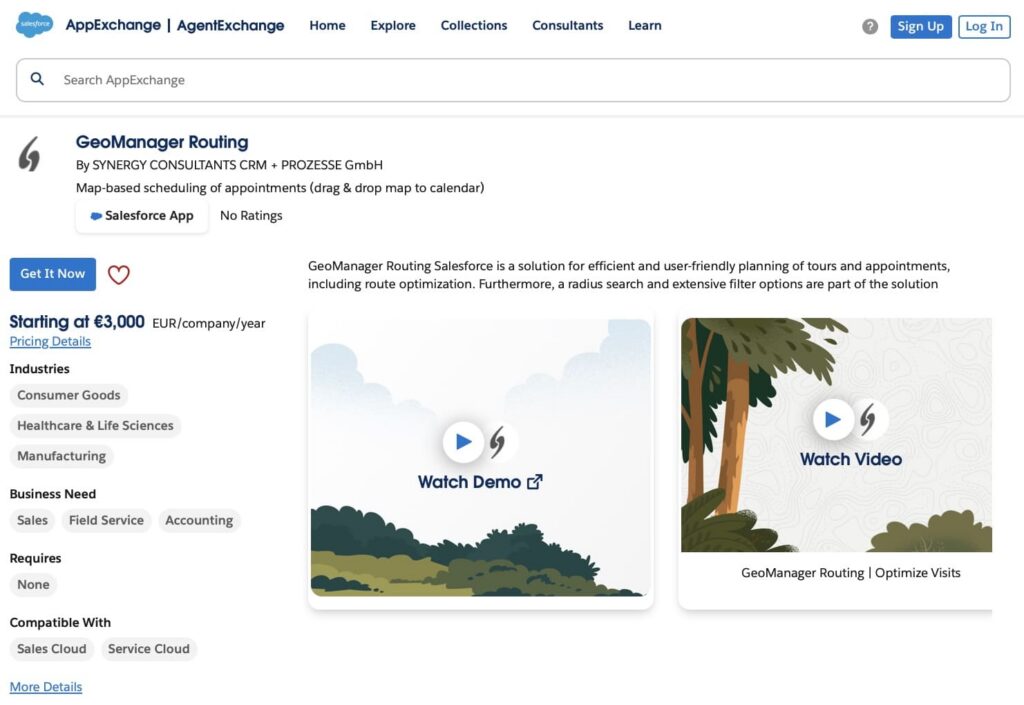
4. GeoManager Routing
Overview
GeoManager Routing is a solution for planning appointments and tours with map-based scheduling and route optimization. Users can drag and drop appointments directly from the map to the calendar, visualize accounts with custom labels, search around points of interest, and optimize routes considering opening hours and overnight stays. The app also offers filtering by account data and related objects, providing a flexible and user-friendly planning experience.
Price: From €3,000 EUR per company per year (Starter package, up to 9 users).
Rating: No rating yet.
Link: GeoManager Routing
Conclusion: Appointment Scheduling in Salesforce
In this article, we showed how to build integration with Office 365 or Salesforce Calendly integration for managing appointments. For teams looking for ready-made solutions or the best Salesforce appointment scheduling app, our list highlights tools organized into three groups: calendar and meeting scheduling, resource and workforce scheduling, and field service and routing.
These tools let you handle appointments, resources, and reminders directly in Salesforce, keeping data up to date. Whether you need a fully native solution, multi-location scheduling, calendar syncing with external platforms, or Zoom Salesforce integration, there’s an option to fit your workflow.
Quick Recap: Top Salesforce Apps for Appointment Scheduling
Top Calendar & Meeting Scheduling Apps
- Engageware Scheduler – Online booking with pooled team availability, calendar sync, and web conferencing integration.
- Appointiv – 100% native Salesforce app for recurring, multi-location, and branded bookings.
- Gmail & Outlook Integration by EverReady – Sync emails, contacts, and calendars without appointment creation.
- Apptoto – Automated reminders and messaging, online booking pages, and confirmations.
- Booking Engine – Smart meeting scheduler with automated rep assignment and calendar integration.
- Q!365 by QKom – Sync internal Teams, SharePoint, and meetings with Salesforce.
- Sync365 Outlook Meeting Scheduling & Email Logging by Apex Ninja – Outlook meeting scheduling, rescheduling, and email logging with Salesforce integration.
- Sync Salesforce Contact Lists to Smartphones by CiraSync – Sync Salesforce contacts and calendars with iPhone and Android devices.
Top Resource & Workforce Scheduling Apps
- GoMeddo – Solution for appointments, classes, and multi-resource bookings with customer-facing booking pages.
- DayBack Calendar – Centralized Salesforce calendar scheduling app, view with drag-and-drop scheduling and resource management.
- SUMO Scheduler – AI-assisted scheduling, self-service booking links, and advanced resource planning.
- Isimio – Drag-and-drop scheduling for shifts, classes, and resources.
- Native Planner – Internal task and project scheduling with Kanban, Gantt, and calendar views.
Top Field Service & Routing Apps
- Skedulo – Field service and mobile workforce management with real-time updates and automation.
- ContractorFlow – All-in-one CRM with appointment scheduling for contractors.
- Opti-Time Optim – Geo-scheduling, route optimization, and territory management.
- GeoManager Routing – Map-based appointment planning and route optimization.
Using these Salesforce scheduling solutions, organizations can automate bookings, integrate calendars, eliminate conflicts, and ensure customers always connect with the right resource.

Antonina is a Salesforce Admin with six certifications: Salesforce Certified Platform Foundations, Platform Administrator, Platform Administrator II, CPQ Administrator, AI Associate, and Agentforce Specialist. She started working with Salesforce in 2021 as Intern Salesforce Developer. Now, a 2-Star Ranger on Trailhead, she continues to expand her skills and knowledge. She helps manage Salesforce systems, automate tasks, and improve processes. Antonina loves learning new things and exploring better ways to use technology. In her free time, she enjoys reading, playing sports, and exploring new tech ideas.
 Previous Post
 Next Post