

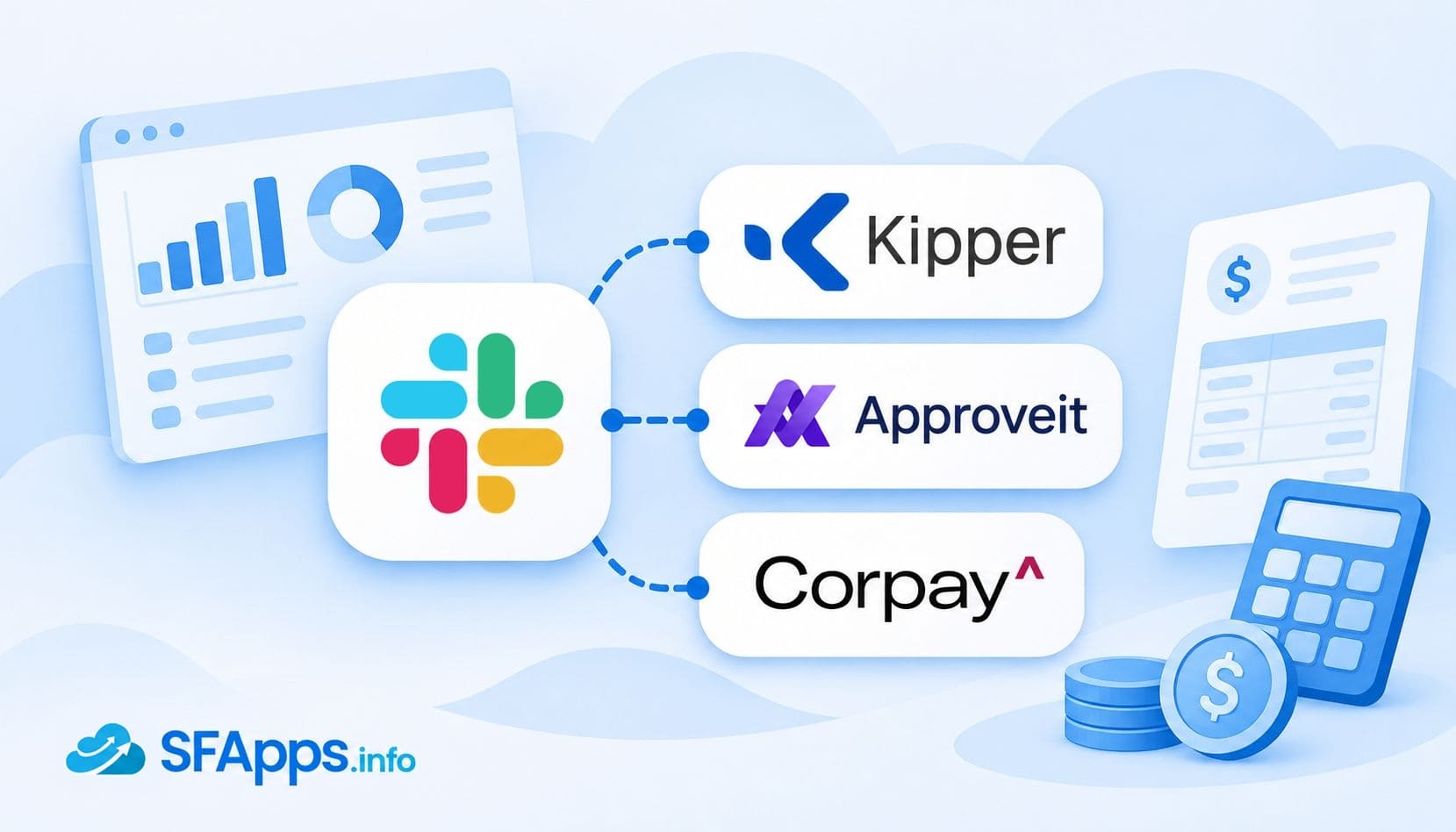
Introduction to Accounting Software That Integrates with Slack
Finance questions rarely wait for a report. Sales wants to know if an invoice is paid, operations asks about stock, and a manager needs to approve a purchase before lunch. When the answer lives in NetSuite, QuickBooks or Xero, someone with access has to stop and look it up.
That constant switching takes a significant amount of time. In Slack’s own research, 68% of respondents said they spend at least 30 minutes a day toggling between tools, and over half said switching apps makes essential work harder. One contributing factor is the lack of integration between everyday tools. MuleSoft’s 2026 Connectivity Benchmark Report found that organizations manage an average of 957 applications, but only 27% of them are connected.
Slack apps can reduce some of that work by bringing finance data, approvals and alerts into the conversations where teams already work. Some apps answer questions about accounting records, while others handle expense approvals, send notifications or help teams monitor financial reports.
For companies using Salesforce alongside their accounting systems, a Salesforce Slack integration can bring CRM information into team conversations. Finance-specific apps add access to invoices, payments, spending data and approval workflows.
Several tools in this list also use conversational AI for finance, letting employees ask questions about financial data in plain English. The ten tools covered below offer different approaches to making financial information and everyday finance tasks easier to manage in Slack.
How We Selected These Slack CRM Integrations and Finance Apps
This list covers ten apps that help teams access business data and manage finance-related tasks through Slack. They address different needs, including accounting data lookups, expense management, approvals, reporting and notifications.
We selected the apps based on five practical criteria:
- Accounting coverage: Which finance, ERP or CRM systems the app connects to, such as NetSuite, QuickBooks, Xero, Sage or Salesforce.
- Actions in Slack: Whether users can approve requests, upload receipts, receive alerts or ask questions without leaving Slack.
- Data safety: Available security features, including read-only access, permission controls and audit trails.
- Pricing clarity: Whether the app publishes plan prices, usage limits, additional fees and free trial details, or requires a custom quote.
- Fit for everyday users: How the app helps finance, sales, operations or support teams with their daily tasks.
We also included tools that link Slack with CRM data, since deal approvals, sales notifications and finance-related tasks can be managed in the same workspace.
These criteria guided which apps were included, but the list is not ranked by a score. The apps serve different finance needs, so their order does not indicate that one is the best choice for every team.
The table below summarizes what each app does in Slack and which business systems it connects to.
| 10 Best Slack Integrations for Accounting at a Glance | ||
|---|---|---|
| App | What It Does | Connected Systems / Data Sources |
| Kipper | Answers plain-English financial questions directly in Slack | QuickBooks, Xero, NetSuite |
| Approveit | Manages approval workflows inside Slack | NetSuite, QuickBooks, Xero, Sage Intacct, Salesforce, SoftLedger |
| Corpay One | Sends expense notifications and handles approval decisions | QuickBooks, Xero |
| Coefficient: Slack for Sheets | Sends Slack alerts when spreadsheet data changes | Google Sheets, with data imported from Salesforce, NetSuite, QuickBooks, Xero, HubSpot and others |
| ExpenseTron | Captures receipts and handles expense and purchase requests | QuickBooks, Xero. Google Drive for receipt archiving |
| Workbot | Automates workflows, approvals and commands across business apps | Salesforce, NetSuite, Workday, ServiceNow, Jira and 1,000+ other apps |
| InView | Sends daily invoice and bill summaries to Slack | QuickBooks, Xero, Sage, FreshBooks, MYOB, FreeAgent, Zoho Books |
| Numeric | Sends notifications about month-end close tasks and approvals | NetSuite, QuickBooks Online, Xero, Sage Intacct |
| Brex | Handles spending approvals, receipt uploads and expense reminders | Brex cards, expenses and spending data |
| Aleph | Sends financial alerts and answers questions through an AI agent | 150+ data sources |
These apps were selected in October 2026. Features, integrations, and pricing may change over time, so we recommend checking the latest details before choosing a solution.
1. Kipper
Overview:
Kipper lets employees ask questions about Oracle NetSuite, QuickBooks or Xero data in plain English from Slack, with answers typically arriving in about five seconds. Sales, operations and support teams can check financial information without waiting for finance to run a report.
Kipper turns questions into SQL queries against a synced copy of the connected accounting data. Access is read-only, and administrators use permission sets to control which financial information each user can see.
Its NetSuite Slack integration lets employees check orders, stock and invoices without individual NetSuite licenses. QuickBooks users can also look up receivables, bills and payments directly in Slack.
Key Features:
- Questions and answers in Slack channels, DMs and threads
- Support for Microsoft Teams and SMS, plus access through ChatGPT, Claude and Gemini
- Read-only access that cannot change accounting records
- Permission sets for accounts receivable, accounts payable or full access, with custom sets on higher plans
- Audit logs and Slack single sign-on
Benefits:
- Account managers check invoice and payment status before a customer call without waiting for finance.
- Finance teams spend less time answering the same quick questions in Slack.
- Admins can give more people access to finance data without allowing changes to the books through Kipper.
- Every answer can be traced in the audit log during reviews.
Pricing: QuickBooks/Xero plans with Slack access start at $150/month for one company, with unlimited users and 50 questions per company each month. Extra questions cost $0.05 each. NetSuite costs $1,000/month for 20 active users and 2,000 questions per month, with extra questions at $0.25 each. A 14-day free trial includes 100 questions and requires no credit card. A free QuickBooks Online plan is available without Slack access.
Link: Kipper for Slack
2. Approveit
Overview:
Approveit is an approval workflow app that works inside Slack. Teams build multi-step approval flows without code, route each request by amount, department, budget, vendor or location, and approve or reject it in Slack.
It connects to NetSuite, Sage Intacct, QuickBooks, SoftLedger and Salesforce, and approved changes can sync back to the ERP or CRM. For teams using Xero, Approveit also supports a Xero Slack integration for managing approval requests.
Key Features:
- No-code workflow builder with ready-made templates
- Automatic routing by amount, department, budget, vendor, location or custom rules
- Approval requests, reminders, comments and decisions in Slack
- AI-powered OCR that extracts data from invoices, PDFs and emails
- Complete audit trail for compliance and reporting
- Unlimited approvers and multi-step workflows
Benefits:
- Invoices, purchase orders and expenses get approved without long email chains.
- Approvers see the amount, vendor and attachments before they decide.
- Auditors can follow who approved what, and when.
- Approved data reaches the accounting system without re-typing.
Pricing: Free plan includes Slack integration, with limits of one workflow and 20 requests per month. Accounting integrations require a paid plan.
Link: Approveit on Slack Marketplace
3. Corpay One
Overview:
Corpay One is a financial automation platform for businesses and accounting firms that works with QuickBooks and Xero. Its Slack app tells the right people when an expense is ready for review and lets them approve or reject it without leaving Slack.
Each notification shows the vendor, due date, amount and category, and coworkers can be tagged to ask questions about a specific expense.
Key Features:
- Automatic notifications when an expense needs approval, rejection or more details
- Vendor, due date, amount and category shown in the message
- Approve or reject expenses directly from Slack
- Slash commands to check the account, list companies and manage the integration
Benefits:
- Approvers handle expenses directly in Slack instead of switching to another tool.
- Coworkers can be tagged to clarify expense details.
- Users can list companies associated with their Corpay One account.
Pricing: Slack integration listed as free. Corpay One advertises no monthly subscription fees, but transaction fees may apply.
Link: Corpay One on Slack Marketplace
4. Coefficient: Slack for Sheets
Overview:
Coefficient, developed by Coefficient Works, Inc., is a Google Sheets sidebar app that pulls data from business systems into spreadsheets and sends Slack and email alerts when that data changes.
Its connectors include Salesforce, HubSpot, NetSuite, Xero and Stripe, so finance teams can build live reports in Sheets and send change alerts to Slack.
Teams can set Slack alerts for changes to specific spreadsheet cells or newly added rows, and receive daily or weekly digests of report updates.
Key Features:
- Data connectors for Salesforce, HubSpot, NetSuite, QuickBooks, Xero and more
- Automated data refreshes for live reports and dashboards
- Slack alerts when cells change or new rows are added
- Daily or weekly digests of report changes
Benefits:
- Finance leads see KPI changes in Slack without opening the spreadsheet.
- Reports stay current without manual exports.
- Teams can use CRM and accounting data in Google Sheets for reporting.
Pricing: Free plan available. Paid plans start at $49/month, billed annually, with a 30-day Pro trial. Slack and email alert limits vary by plan.
Link: Coefficient: Slack for Sheets on Slack Marketplace
5. ExpenseTron
Overview:
ExpenseTron, developed by Harmonize, handles expense claims and purchase orders inside Slack. Employees drop a receipt into Slack, AI-powered scanning extracts the details, and managers get a notification to approve it in one click.
Expenses can sync to Xero or QuickBooks or be archived to Google Drive. Employees submit receipts and managers approve them directly in Slack.
Key Features:
- Receipt capture with AI-powered data extraction
- One-click approvals for managers
- Sync with Xero and QuickBooks, or archive to Google Drive
- Multi-currency support with automatic conversion
- Purchase requests with category and department spend limits
- Downloadable reports on spending trends and policy compliance
Benefits:
- Employees submit expenses directly from the tool they already use.
- Managers clear approvals without chasing paper receipts.
- Finance receives expenses in the accounting system with less manual entry.
Pricing: Standard costs $2/user/month plus a $29/month base fee. Best (with approvals) costs $4/user/month plus a $39/month base fee, billed annually. Accounting software integration costs an additional one-time $99 fee. A 14-day free trial is available.
Link: ExpenseTron on Slack Marketplace
6. Workbot

Overview:
Workbot is a Slack bot developed by Workato Inc. and built on its automation platform. It sends actionable notifications, runs approval workflows and lets users work with connected business apps through Slack commands, without writing code.
It connects to Salesforce, NetSuite, Workday, ServiceNow, Jira, Okta and 1,000+ other apps. Teams can use it for deal approvals, expense requests or alerts about opportunities closing this week.
Key Features:
- Approval workflows that respect connected app permissions
- ChatOps automation across connected apps
- CRM lookups for leads, opportunities, accounts and cases
- Custom commands built from Workato recipes
Benefits:
- Approvers handle requests from connected apps without switching between tools.
- Sales reps get only the CRM updates that matter to them.
- IT and finance can shape approval workflows around their own processes.
Pricing: Paid plans with a free trial. Contact Workato for pricing details.
Link: Workbot on Slack Marketplace
Insight:
Microsoft’s 2025 Work Trend Index research found that the 20% of Microsoft 365 users receiving the most notifications were interrupted by meetings, emails or chats every two minutes on average during core working hours.
For finance teams, this makes it important to distinguish between updates that need immediate attention and those that can be delivered in a daily digest.
7. InView
Overview:
InView sends a daily digest of invoices and bills from online accounting software into Slack.
It works with FreeAgent, FreshBooks, MYOB, QuickBooks, Sage, Xero and Zoho Books. Teams can receive regular updates about invoices and bills directly in Slack.
Key Features:
- Daily Slack digest of invoices and bills
- Support for 7 accounting platforms
- Delivery of updates to selected Slack channels
Benefits:
- Users receive daily invoice and bill updates without opening their accounting software.
- Teams can review accounting updates directly in Slack.
Pricing: $49/year per integration, including Slack access and unlimited users. 14-day free trial.
Link: InView on Slack Marketplace
8. Numeric
Overview:
Numeric, developed by Velocity Labs, Inc., is a month-end close management platform for accounting teams. Its Slack app sends real-time notifications about close task updates, approvals and team activity.
Numeric also helps accounting teams organize their month-end close with automated workflows, real-time insights and integrations with other business systems.
Key Features:
- Month-end close organization and task management
- Real-time Slack notifications for task updates and approvals
- Automated workflows for month-end close processes
- Real-time insights into close activities
- Integrations with other business systems
Benefits:
- Accounting teams stay informed about close tasks and approvals without leaving Slack.
- Real-time notifications reduce the need for manual status checks.
- Teams can coordinate close activities and stay aware of deadlines.
Pricing: Custom pricing based on business needs. Contact sales for a demo and quote.
Link: Numeric on Slack Marketplace
9. Brex
Overview:
Brex brings corporate card spend, expenses and approvals into Slack. Once an admin installs the app and employees connect their accounts, they can approve requests, upload receipts and respond to reminders directly in Slack.
Slackbot can also connect to the Brex MCP server in early access, which requires a Slack plan with Slack AI. Employees can check card limits, and finance admins can ask about company-wide spend, bills and vendors in plain language.
Key Features:
- Approvals for spend limit requests, limit increases, travel bookings and card expenses
- Receipt uploads and memo updates from Slack
- Reminders for missing receipts, memos and pending approvals
- Slackbot access to the Brex MCP for spend, banking, bills and travel questions
Benefits:
- Employees upload receipts and update expense details without leaving Slack.
- Managers approve spend requests directly in a Slack message.
- Finance admins get answers about spend without building reports.
Pricing: Slack integration is listed as free. Brex Essentials costs $0/user/month, Premium $12/user/month, and Enterprise has custom pricing.
Link: Brex on Slack Marketplace
Insight:
Finance assistants differ in how they access accounting data. Some use direct ERP connectors, while others rely on a structured financial intelligence layer.
A comparative review of conversational AI for finance examines these approaches, including differences in setup, permissions and data access.
10. Aleph
Overview:
Aleph, developed by Aleph Labs Inc, is a financial planning and reporting platform that connects 150+ data sources and feeds them into spreadsheets and web dashboards.
With the Slack app, finance teams set alerts for data discrepancies and abnormalities and can chat with financial data through Aleph’s AI agent. The AI agent requires a paid Slack plan, while alerts work on free plans. Important figures returned by the AI agent should be verified in Aleph.
Key Features:
- 150+ no-code data connectors
- Bi-directional spreadsheet integrations and web dashboards
- Slack alerts for discrepancies and abnormalities
- AI agent for questions about financial data in Slack
Benefits:
- Teams receive alerts about data discrepancies as they arise.
- Analysts spend less time on manual exports.
- Managers can ask about the numbers directly in Slack.
Pricing: Included with an Aleph subscription. Contact Aleph for a quote. Free trial available.
Link: Aleph on Slack Marketplace
FAQs About Finance Apps in Slack
Can employees access financial data in Slack without an accounting login?
It depends on the app. Kipper lets employees ask questions about NetSuite data without individual NetSuite licenses, with permission sets controlling what each person can see. Other apps work differently. For example, Brex requires employees to connect their accounts to use its Slack integration.
Can Slack finance apps change accounting records?
Capabilities vary. Approveit can sync approved changes to connected ERP or CRM systems. Other apps focus on notifications, such as InView’s daily invoice and bill digests. Before installing an app, check whether it can modify financial records or only retrieve and display information.
How up-to-date is the financial information in Slack?
Update frequency depends on the app. Coefficient can send alerts when specific Google Sheets cells change or new rows appear, while InView delivers daily summaries of invoices and bills. For time-sensitive information, check both the source system’s refresh schedule and the app’s notification frequency.
Can one finance app handle multiple companies?
Yes, but setup and pricing differ. Kipper’s paid QuickBooks and Xero plans support multiple companies within one workspace. Its NetSuite plan covers subsidiaries within a single NetSuite OneWorld account. QuickBooks and Xero pricing depends on the number of companies, while NetSuite pricing is based on active users.
Does a free Slack app mean the finance service is free?
Not necessarily. Brex offers a free Slack integration alongside free and paid platform plans. Kipper has a free plan for one QuickBooks Online company, but Slack access requires a paid subscription. Approveit includes Slack workflows in its free plan, although accounting integrations require payment.
Choosing the Right Expense Tracking Slack Apps and Finance Tools
The right tool depends on the job you want Slack to do. Some apps answer financial questions, some handle approvals, and others capture expenses or send alerts.
If people outside finance keep asking about invoices, stock or payments, it’s worth checking out this review of Kipper and how it helps teams connect QuickBooks to Slack. For approvals of bills, purchase orders and card spend, Approveit, Corpay One, Brex and Workbot offer different approaches.
For reporting, Coefficient sends spreadsheet alerts, Aleph combines financial data alerts with an AI agent, and InView provides daily invoice and bill digests. Numeric helps teams track month-end close activities, while ExpenseTron handles receipts, expense approvals and purchase requests.
Sales teams may also need financial information alongside customer records in Salesforce. Traditional CRM integrations, such as Breadwinner, bring data from QuickBooks, Xero, NetSuite and Stripe into Salesforce, where it can support reporting and automated workflows.
Quick Recap: QuickBooks Slack Integration and Other Finance Apps
Here is a quick summary of the ten apps covered in this article:
- Kipper – Answers plain-English questions about NetSuite, QuickBooks and Xero data in Slack, Microsoft Teams and SMS, with read-only access and an audit log.
- Approveit – Runs no-code approval workflows for invoices, purchase orders and expenses, with ERP and CRM integrations.
- Corpay One – Sends expense approval notifications to Slack and lets users approve or reject expenses, with support for QuickBooks and Xero.
- Coefficient: Slack for Sheets, by Coefficient Works, Inc. – Pulls business data into Google Sheets and sends Slack alerts when spreadsheet data changes.
- ExpenseTron, by Harmonize – Captures receipts and handles expense approvals and purchase requests in Slack, with expense syncing to Xero and QuickBooks.
- Workbot, by Workato Inc. – Automates approval workflows, notifications and CRM lookups across connected business applications.
- InView – Sends daily digests of invoices and bills from seven accounting platforms to Slack.
- Numeric, by Velocity Labs, Inc. – Keeps teams informed about month-end close tasks, approvals and other activities through Slack notifications.
- Brex – Handles spend approvals, receipts and expense updates in Slack, with additional financial data queries through Slackbot.
- Aleph, by Aleph Labs Inc – Sends alerts about financial data discrepancies and lets teams ask questions through an AI agent in Slack.
Before rolling out a new integration across the company, test it with a small group of users. Check whether employees can complete their everyday tasks, whether access permissions work as expected, and whether the information matches records in the source system. Whichever app you choose, the real measure of success is how well it fits into your team’s daily work.

Mykhailo is a Salesforce Certified Platform Administrator with development experience in the fintech field. Since 2021, he has gained the Double Star Ranger rank on the Salesforce Trailhead education platform, where he acquired 26 Superbadges in Business Administration, Process Automation, Security, and more. With a decade of expertise in consulting and compliance, he aspires to translate complex technical concepts into accessible content, helping organizations make the most of Salesforce. Mykhailo is passionate about using technology for everyday needs, enjoys reading sci-fi and non-fiction books, and playing video games. He also has an interest in history and outdoor activities such as hiking, camping, and kayaking.
 Previous Post