



Agentforce 360: The New Foundation for Connected Work
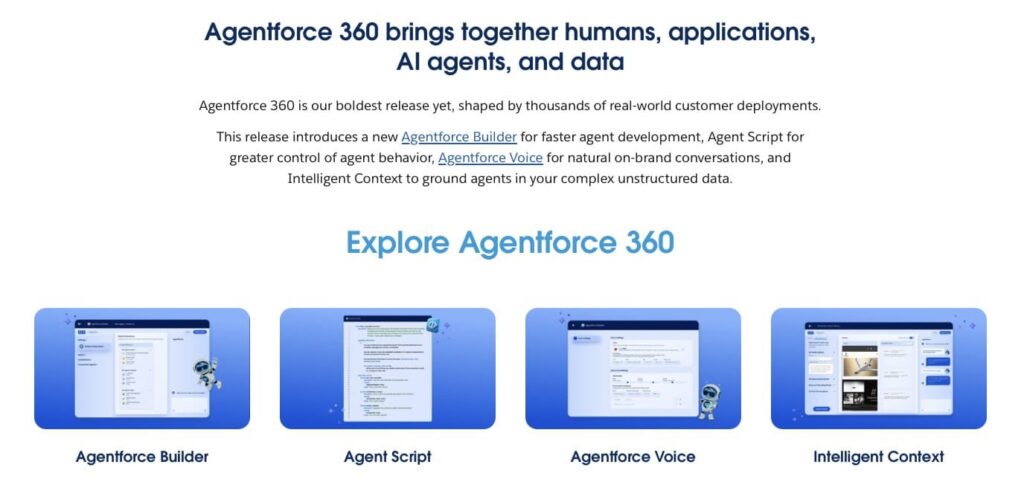
We all know Agentforce, Salesforce’s AI platform that helps teams automate routine tasks and get work done faster. At Dreamforce 2025, Salesforce introduced the next step in its evolution: Agentforce 360. This platform builds on the original Agentforce by connecting people, data, and digital agents in a single system. Agentforce 360 gives agents access to enterprise data via Data 360, lets them run business Flows, and supports cross-cloud actions using real business context.
Digital agents support sales, service, marketing, and HR teams by completing tasks, finding information, and taking action using company data. By keeping work and data aligned in one place, teams always have accurate, up-to-date information at their fingertips.
For example, an agent can assign the task of sending a document to the responsible person, track whether the task has been completed, and send reminders if no action is taken. This keeps important processes on track, ensures accountability, and helps teams focus on completing critical work without manually checking every step.
By bringing digital agents and human teams together in Salesforce, Agentforce 360 is reshaping how work gets done. It helps companies manage daily tasks more reliably while keeping data and processes connected. Combined with other tools, Agentforce becomes even more powerful, allowing teams, for example, to capture feedback, approvals, and signatures directly in Salesforce. This makes it also useful for processes like Salesforce legal case management, where accurate data and timely actions are critical.
This article highlights practical Salesforce Agentforce use cases and shows how teams can benefit from pairing it with other tools within their Salesforce environment.
How Agentforce Connects with Salesforce-Native Tools
Agentforce becomes more effective when paired with Salesforce-native tools that send data directly into the platform. Digital agents rely on accurate, up-to-date information to assign tasks, monitor progress, and guide teams.
Since businesses often need to keep documents organized and collect feedback from users, tools like Sign & Sync in Salesforce and Surveys by Titan become especially valuable for Agentforce Salesforce use cases. They are simple, no-code tools for collecting inputs, feedback, and signed documents. Unlike other tools that rely on duplicate databases, which can corrupt data, Titan keeps all data inside Salesforce and ensures a single source of truth.
Sign & Sync in Salesforce by Titan
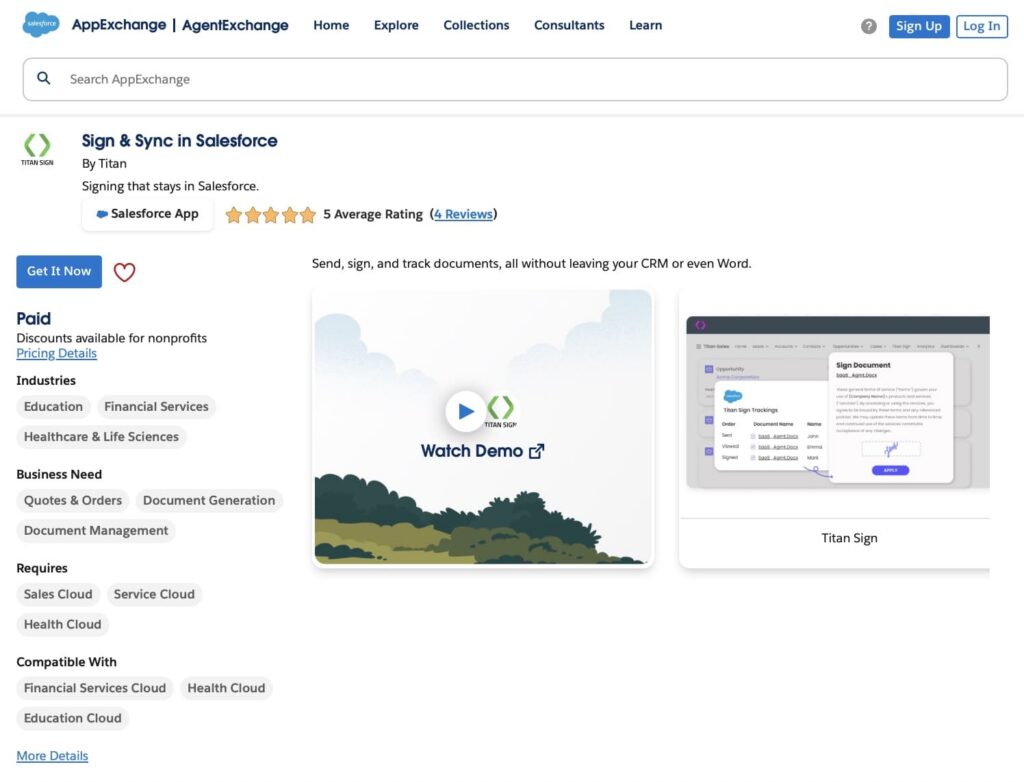
Sign & Sync is a digital signature solution designed to work seamlessly within Salesforce. It allows teams to send, track, and manage signed documents directly in the platform, keeping all records in one place and eliminating the need for external tools.
Key Features:
- Native Salesforce Integration: Manage signing workflows and track document status directly inside Salesforce.
- No-Code Workflows: Configure single or multi-step signing processes without coding, including dynamic signer assignment based on Salesforce data.
- Real-Time Data Sync: Signed documents automatically update Salesforce records.
- Flexible Signer Setup: Support multiple signers and set the signing order using Salesforce data.
- Mobile-Friendly: Optimized for mobile devices with a responsive viewer for easy signing anywhere.
- Compliance & Security: Full audit trails, two-factor authentication, and HIPAA support.
- Document Storage: Save signed documents directly in Salesforce for audit-ready records.
Personalized Salesforce Surveys by Titan
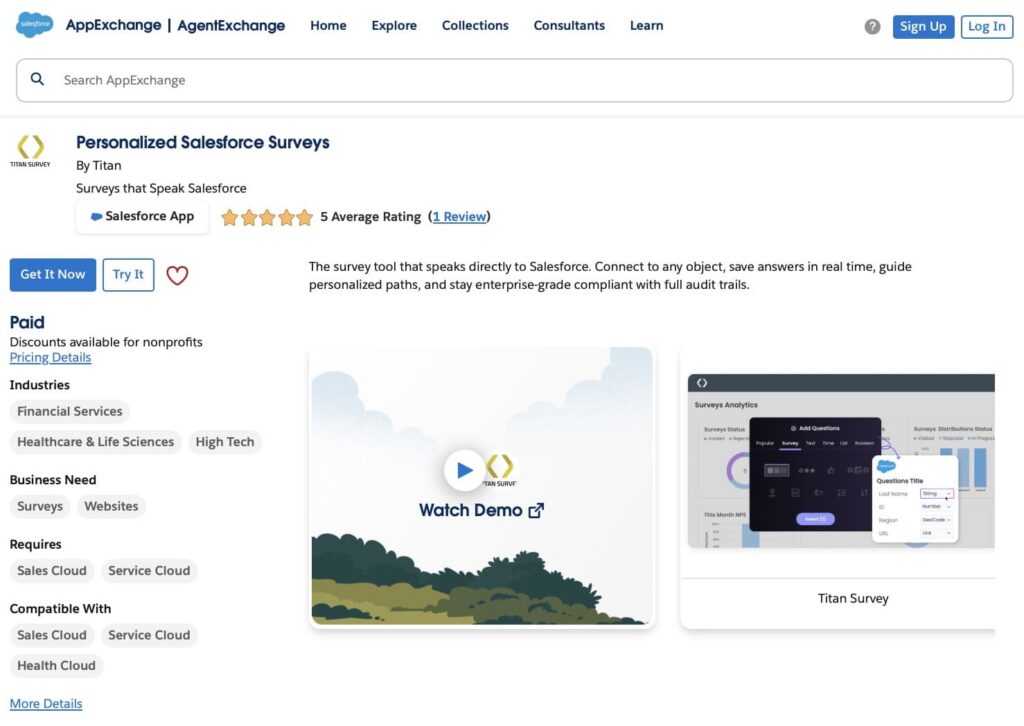
Personalized Salesforce Surveys lets teams create surveys and capture responses without leaving Salesforce. All data is stored directly in your Salesforce org, ensuring a single source of truth and eliminating the need for external databases.
Key Features:
- No-code survey creation: Build surveys with drag-and-drop, including conditional logic and branching.
- Personalized questions: Pull Salesforce data into survey questions to make them relevant for each respondent.
- Flexible distribution: Share surveys via email, web links, or embedded forms.
- Real-time data sync: Responses are saved immediately in Salesforce objects for easy tracking.
- Analytics and reporting: Use Salesforce reports and dashboards to monitor completion rates and analyze responses.
- Secure and compliant: Enterprise-grade security with audit trails and permission controls.
Every submission or update is written directly to Salesforce, allowing Agentforce to use that information immediately to trigger actions, guide next steps, or support employees in real time. This creates a connected system where digital agents always work with accurate data, reducing manual tasks and keeping processes on track.
How to Get Started with AI in Salesforce
Getting started with AI in Salesforce doesn’t require rebuilding your entire system. The key is to start small, focus on repeatable tasks, and expand gradually. This approach matters because 54% of consumers don’t care how they interact with a company, as long as their problems are fixed fast.
By adopting AI thoughtfully, companies can reduce manual work, improve accuracy, and build confidence in automation, while meeting the growing demand for quick, reliable service, for example, with Salesforce e-signature.
Companies can take these steps:
1. Identify repetitive tasks: Look for actions that take time but follow predictable patterns. These may include routing routine service requests, updating records, sending documents for signature, or collecting feedback after training sessions. Start with processes that have a clear outcome, low risk, and measurable impact.
2. Define the agent’s purpose: Decide what the digital agent will do. Will it monitor tasks, notify team members, or escalate issues? Clear objectives make it easier to configure the agent effectively.
3. Build the agent in Agentforce: Create the agent with defined triggers, rules, and actions. Connect it to the relevant Salesforce objects and workflows. For example, the agent can monitor opportunities, trigger follow-ups, or take action when survey feedback is submitted, all according to predefined business rules.
4. Maintain human oversight: Even with automation, keep human checks in place for customer-facing or compliance-critical tasks to ensure quality and trust.
5. Track progress and results: Use Salesforce reports, dashboards, and analytics tools to monitor how AI agents and automated tasks are performing. Track completion rates, identify bottlenecks, and measure efficiency improvements. This visibility helps teams fine-tune automation and validate ROI.
6. Start with pilot projects: Choose one department or workflow as a test case. For example, automating post-training feedback collection or routine document approvals.
7. Iterate and expand: Once initial automation proves effective, gradually add more tasks, integrate additional Salesforce-native tools, and refine workflows to handle increasingly complex scenarios.
8. Using third-party solutions with Agentforce: Use Titan tools to capture feedback, approvals, or signatures directly in Salesforce. By keeping all data within Salesforce, Agentforce has a single source of truth and can act on accurate, up-to-date information.
In the next section, we will take a closer look at the real Agentforce use cases Salesforce teams handle every day, and how Titan tools can be used to enrich the capabilities of AI.
Salesforce Agentforce Use Cases 2025
Companies across industries are finding practical ways to use Agentforce to manage tasks and stay organized inside Salesforce. These Agentforce industry use cases show how digital agents can support everyday work when paired with tools like Sign & Sync and Surveys by Titan. With this setup, teams can handle approvals, gather feedback, and keep records up to date in one system.
1. General Agreement Completion
The first of the Salesforce Agentforce use cases examples is simple: the agent assigns a task to the responsible team member to send a required agreement or document to a client. This ensures that no contract or approval request is missed.
Titan’s Sign & Sync delivers the document digitally and updates Salesforce automatically once it’s signed, keeping all information in one place.
Agentforce can then track the task and send reminders to the team member if the document remains unsigned, helping maintain deadlines and ensuring the process continues without manual follow-up. This approach reduces errors, keeps the workflow visible, and provides a clear audit trail for compliance purposes.
2. Post-Training Feedback
Second Salesforce Agentforce use case: after a training session or workshop, an agent creates a follow-up task for the team to collect feedback from participants. This ensures that every session is evaluated and no responses are missed.
Titan’s Surveys captures participant opinions, ratings, and suggestions and syncs all responses directly into Salesforce. This centralizes the feedback, making it easy for organizers to track trends and identify areas for improvement.
By combining Agentforce with Surveys, teams can see which sessions were most effective, follow up with participants when necessary, and use data to enhance the planning of future training programs. It also provides a clear record of participant engagement for reporting and compliance purposes.
3. Better Customer Support
Agentforce monitors open cases, helps support agents by suggesting relevant responses, and ensures that follow-up actions are completed on time. This reduces the chance of cases slipping through the cracks and helps maintain consistent service quality.
Once a case is closed, Titan’s Surveys can automatically collect customer feedback, including satisfaction ratings and comments, and sync the results directly to Salesforce.
This combined approach gives support teams a clear view of overall client satisfaction, highlights areas where service can be improved, and allows managers to identify trends or recurring issues. By keeping all feedback and case data in Salesforce, teams can act quickly, make informed decisions, and maintain a high standard of customer service.
4. Partner Agreement Completion
During partner onboarding, Agentforce assigns tasks to the responsible team members to send the necessary agreements or contracts for signature. This ensures that every partner receives the correct documents promptly and no steps are missed in the onboarding process.
Titan’s Sign & Sync handles the digital signing process, allowing partners to sign agreements securely from anywhere. Once signed, the documents are stored directly in Salesforce, maintaining a single source of truth and eliminating the need for manual filing or separate storage systems.
Together, Agentforce and Titan provide a fully tracked and auditable process. Teams can see which agreements have been completed, follow up with partners if documents remain unsigned, and ensure that onboarding is smooth, transparent, and compliant with company policies.
5. Product Feedback Surveys
After releasing a product update or new feature, Agentforce 360 assigns a task to the product or support team to review customer feedback.
Surveys by Titan collects responses directly in Salesforce, linking them to the relevant account, contact, or opportunity.
The team can then review the submitted responses and take follow-up actions, such as flagging feature requests or addressing negative feedback, helping keep product improvements on track.
By using this approach, teams save time by having all feedback centralized in Salesforce instead of scattered across emails or spreadsheets. It also ensures that actionable insights are not overlooked and that decision-makers can prioritize improvements based on real customer input.
6. Client Service Agreement
When a client needs to sign a service agreement, Agentforce assigns a task to the account manager to ensure the document is sent promptly. This helps prevent delays and keeps the client onboarding process organized.
Sign & Sync by Titan delivers the agreement digitally, allowing the client to sign securely from any location. Once signed, the document is automatically updated in Salesforce, keeping all records in one central system.
Agentforce can then monitor the task and notify the account manager if the agreement remains unsigned, ensuring timely follow-up. This approach provides visibility into the status of client agreements, maintains compliance, and helps account managers manage multiple clients efficiently while keeping the process transparent and fully tracked.
Final Thoughts on Why AI Agents Matter in 2025
In 2025, more companies are turning to digital agents because they help people focus on meaningful work instead of routine tasks. AI agents reduce mistakes, keep information up to date, and make daily processes easier for every team. When we look at Agentforce use cases 2025, the goal is not to replace employees, but to support them with tools that handle the repetitive work happening inside Salesforce.
Agentforce 360 brings this approach into one connected system. It links people, data, and digital agents so work moves smoothly across sales, service, marketing, and operations. When combined with tools like Sign & Sync and Surveys by Titan, companies can collect approvals, gather feedback, and update records in real time, all without leaving Salesforce.
Together, these tools help teams stay organized, respond faster, and deliver a better experience to customers and colleagues. When we look at the best Agentforce use cases, the value of it becomes clear: it helps people work smarter, not harder, while keeping the entire Salesforce environment aligned and efficient.

Antonina is a Salesforce Admin with six certifications: Salesforce Certified Platform Foundations, Platform Administrator, Platform Administrator II, CPQ Administrator, AI Associate, and Agentforce Specialist. She started working with Salesforce in 2021 as Intern Salesforce Developer. Now, a 2-Star Ranger on Trailhead, she continues to expand her skills and knowledge. She helps manage Salesforce systems, automate tasks, and improve processes. Antonina loves learning new things and exploring better ways to use technology. In her free time, she enjoys reading, playing sports, and exploring new tech ideas.
 Previous Post
 Next Post